www.
Your church website
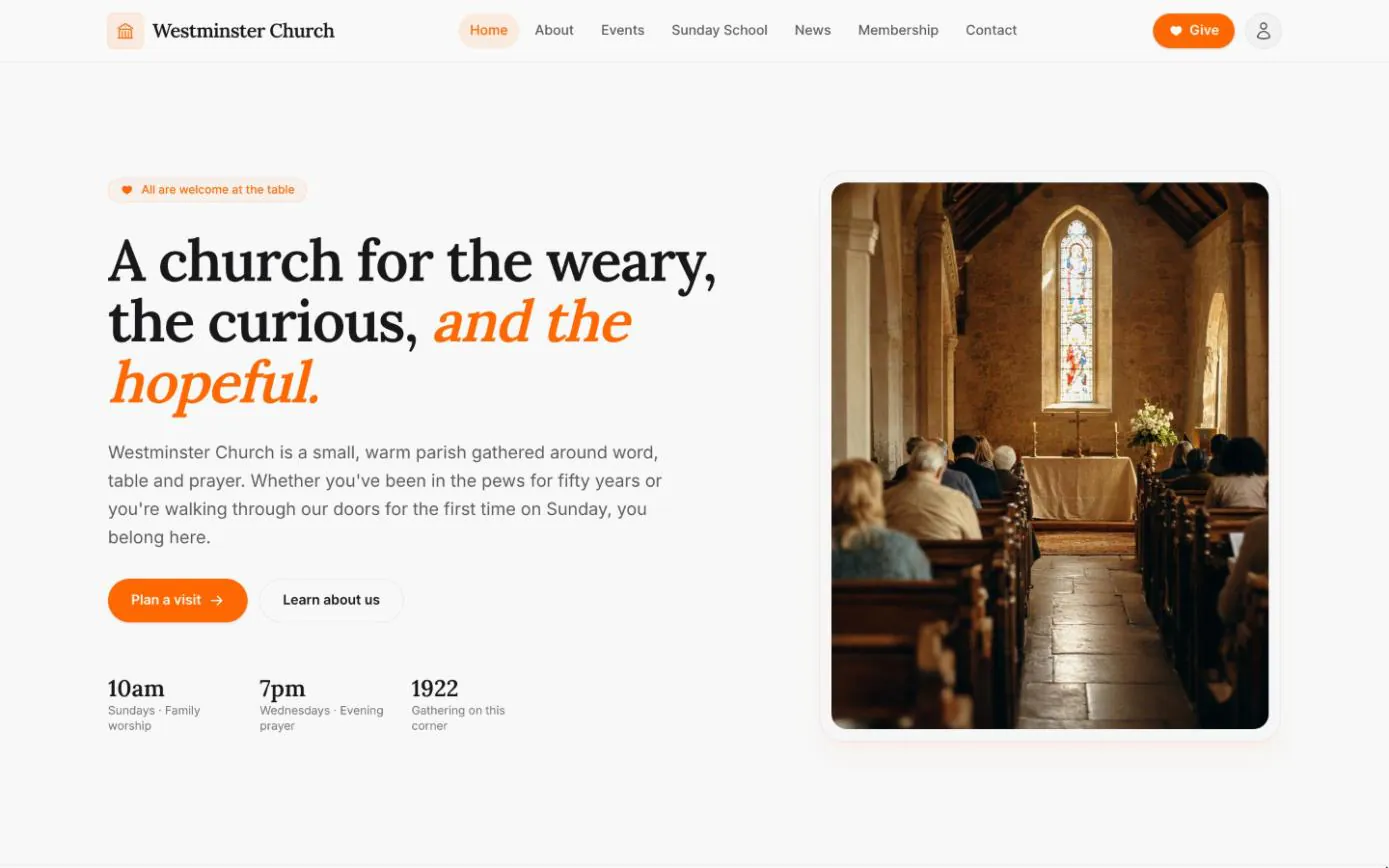
Every Chimes deployment comes with a public website for your church: home, about, events, Sunday school, news, membership, contact and giving pages, ready for the people who look you up before their first Sunday.
The site reads from the records the office already keeps. Service times, the address and the logo come from the church's settings, events and Sunday school classes appear as staff add and publish them, and news is written in the staff console.
In short
One place to update
The events page, Sunday school classes and the steps to membership are read from the staff console, so there is no second copy to keep in step.
News with categories and RSS
Post updates and reflections, sort them into categories, schedule them ahead and let readers follow along by RSS.
Messages reach the office
The contact form files each message by topic in the staff console's inbox, not in one person's email.
Service times and directions where newcomers look first
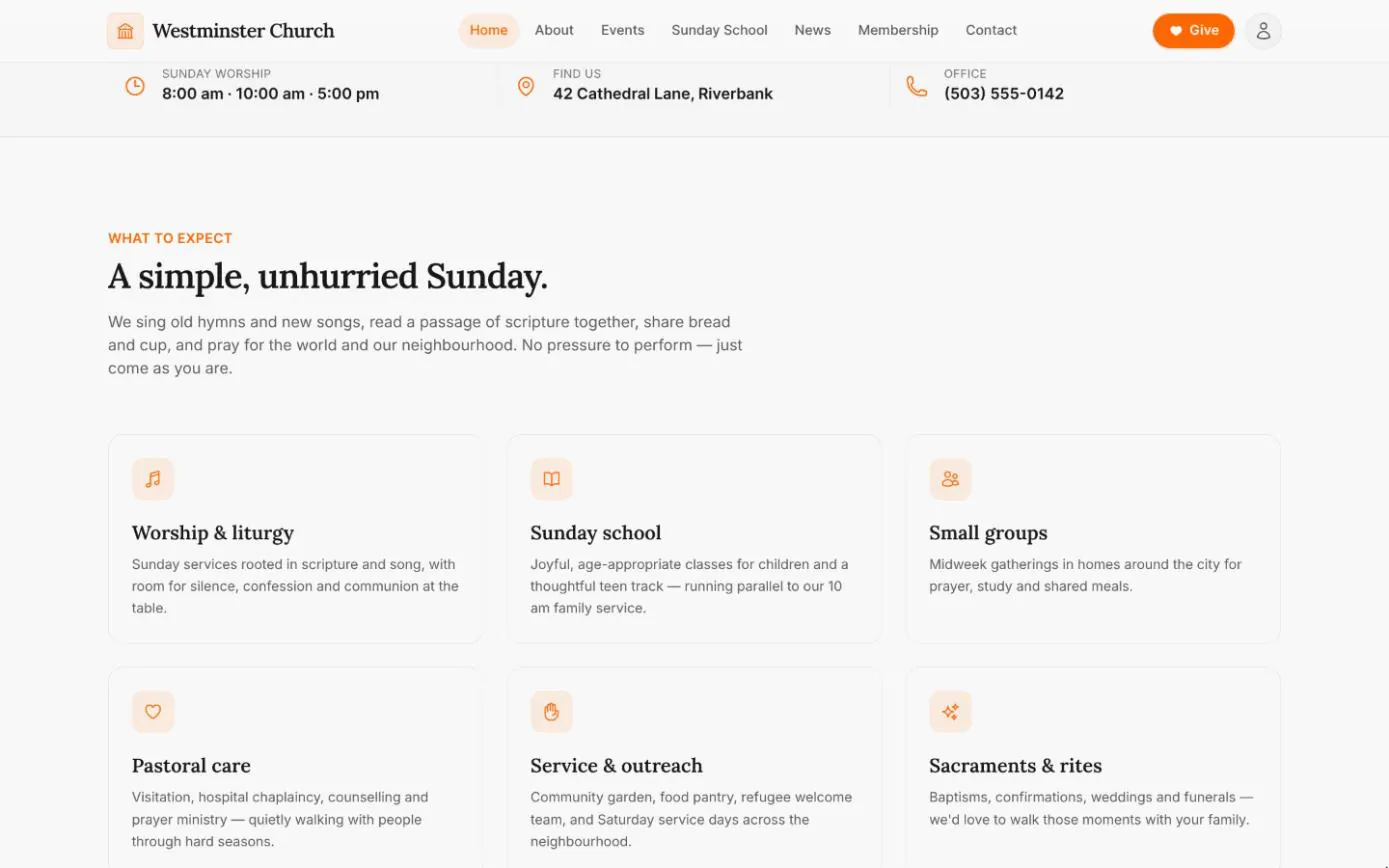
Just below the welcome on the home page sit the Sunday service times, the street address and the office phone. The same details appear in the footer of every page and on the contact page, and all of them come from the church's settings in the staff console.
Change a service time or the office number once, and that line on the home page, every footer and the contact page follow. The church's name, logo, a short description and a footer note, such as a favourite verse, are set in the same place.
- check Service times, address and phone kept on one settings page
- check The name and logo in the site header and footer, and in emails
- check Social links and a footer note, changed without a deploy
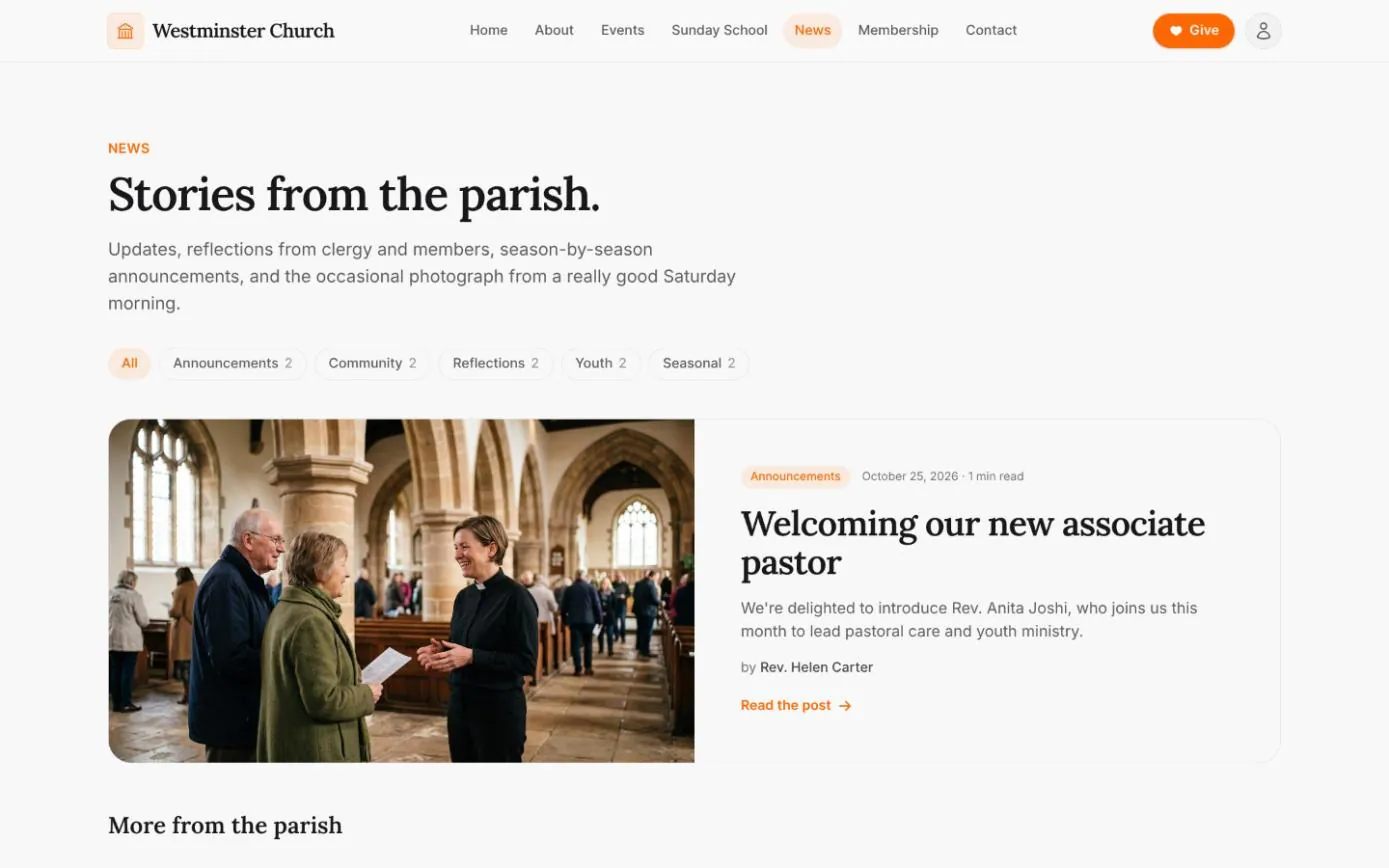
A church news page and blog, with categories
The news page leads with a featured post and lists the rest below it. Readers filter by category, each showing how many posts it holds, and every post has its own page with the author, the reading time and its banner photograph.
Published posts also go out in an RSS feed, for anyone who follows the parish news in a reader.
- check Categories such as Announcements, Community or Youth, named by the church
- check A featured post shown large at the top of the page
- check An RSS feed of every published post
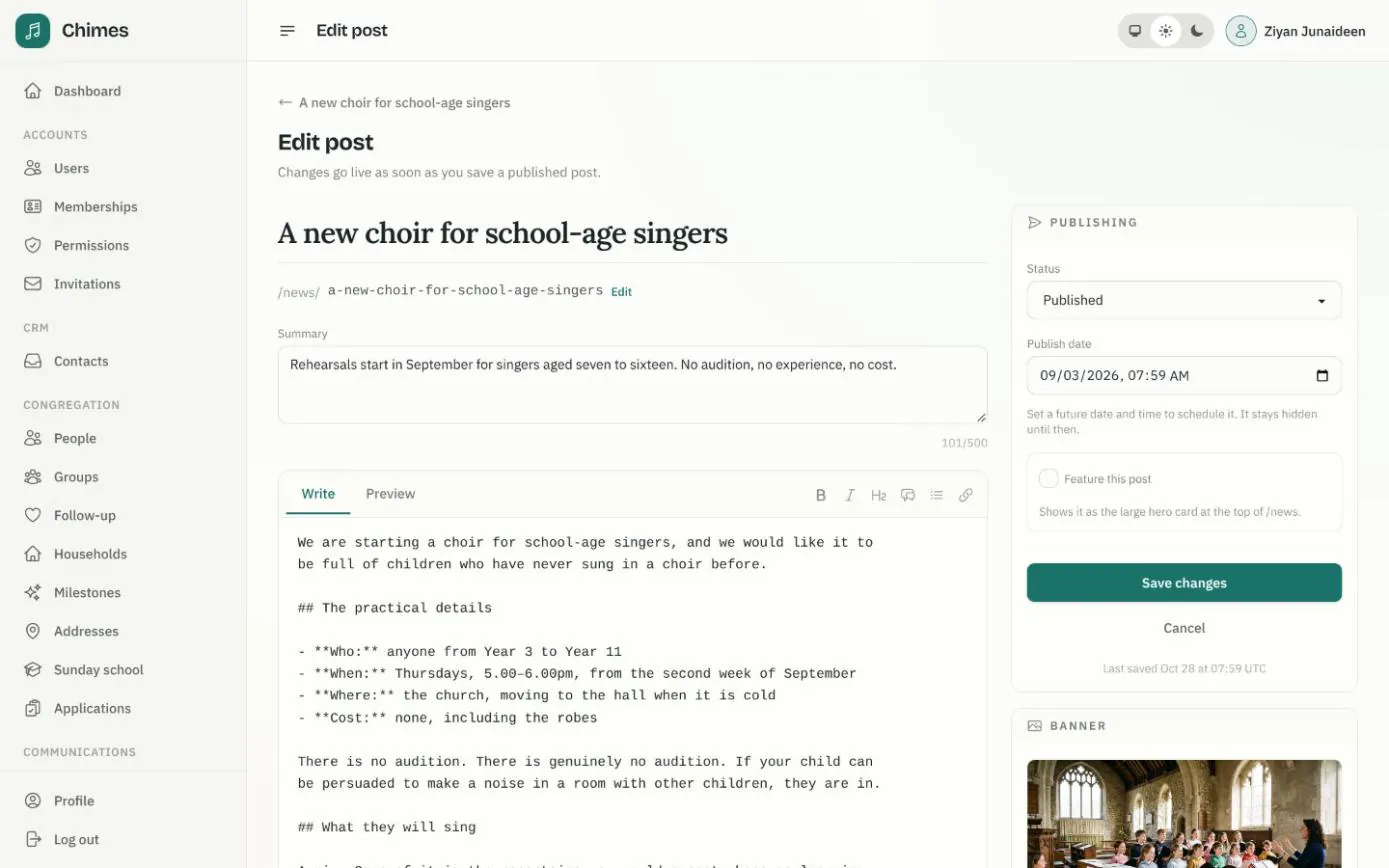
Write, schedule and publish news from the staff console
Posts are written in Markdown with a preview tab, then given a summary, a category, an author and a banner from the media library. They go live as soon as they are saved, or on a date you choose; a scheduled post stays hidden until then.
Each post has its own search title and description, with a preview of how it will look in search results, so a post about the Christmas services reads well when someone looks them up.
- check Draft and published states, with scheduled publishing
- check Feature a post to put it at the top of the news page
- check Images kept in a media library with their alt text
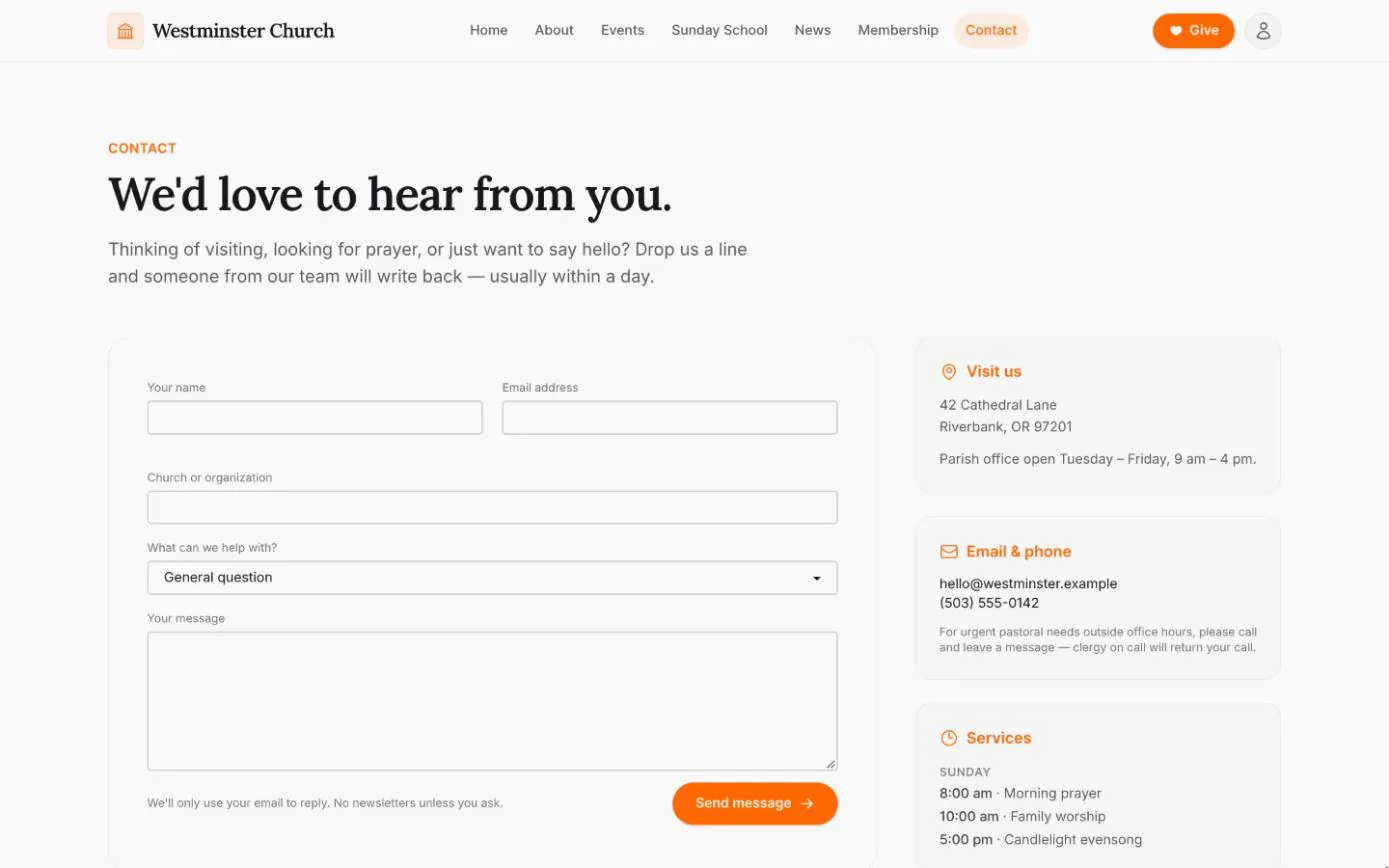
A contact form that lands in the church office
Visitors choose what they need, from planning a first visit to pastoral care or prayer, and write their message. Each one arrives in the Contacts inbox in the staff console, filed by topic and marked pending until someone marks it responded.
Beside the form, the page shows the address, office hours, email, phone and service times from the church's settings.
- check Messages filed by topic: a first visit, pastoral care, volunteering or a question
- check Pending and responded, so the office can see what still needs a reply
- check Rate limited by email and IP address, to keep automated spam down
Related features
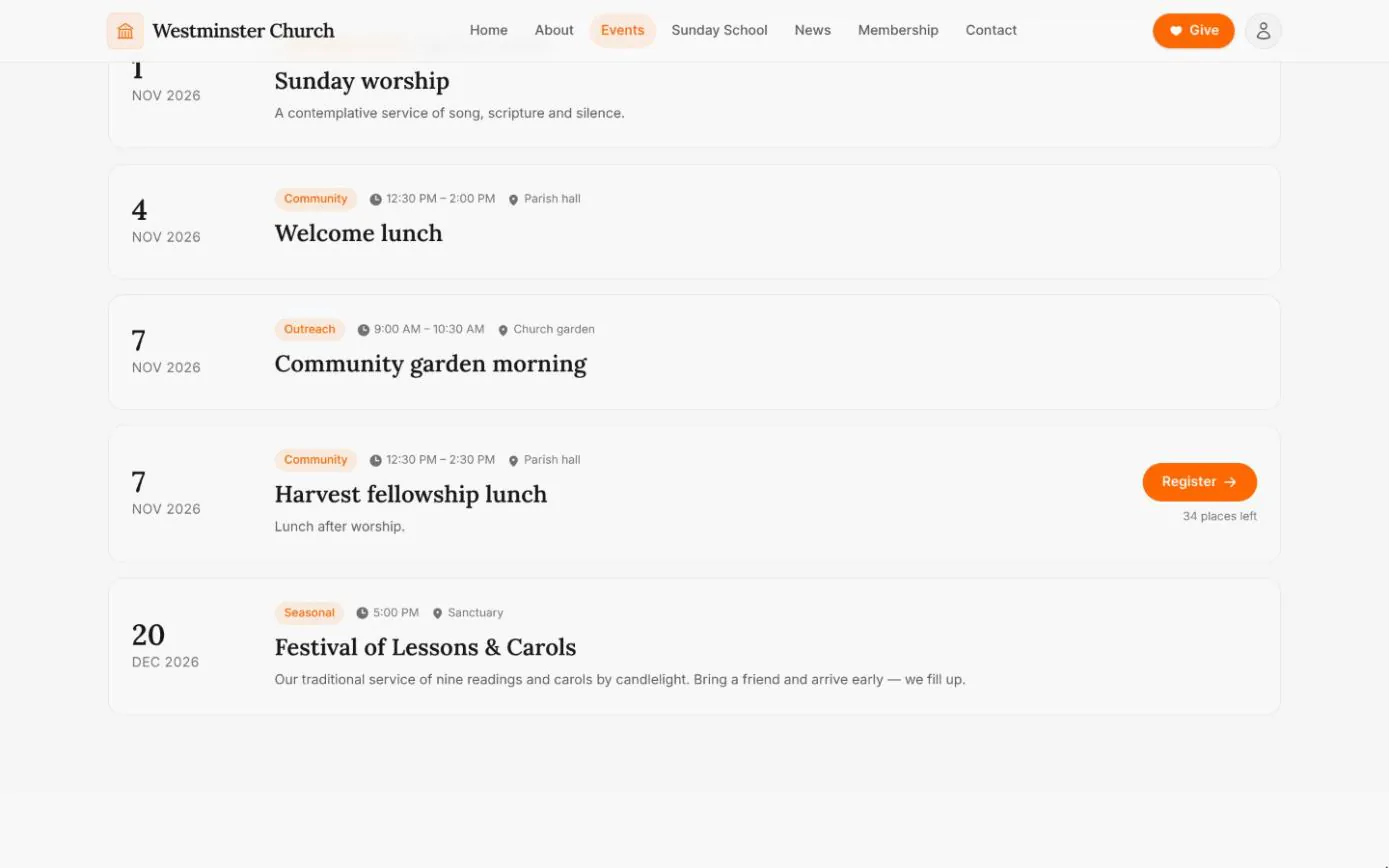
Events and visitor registration
The weekly rhythm and upcoming gatherings straight from the calendar, with registration for events that take sign-ups, open to visitors too.
See the feature arrow_forward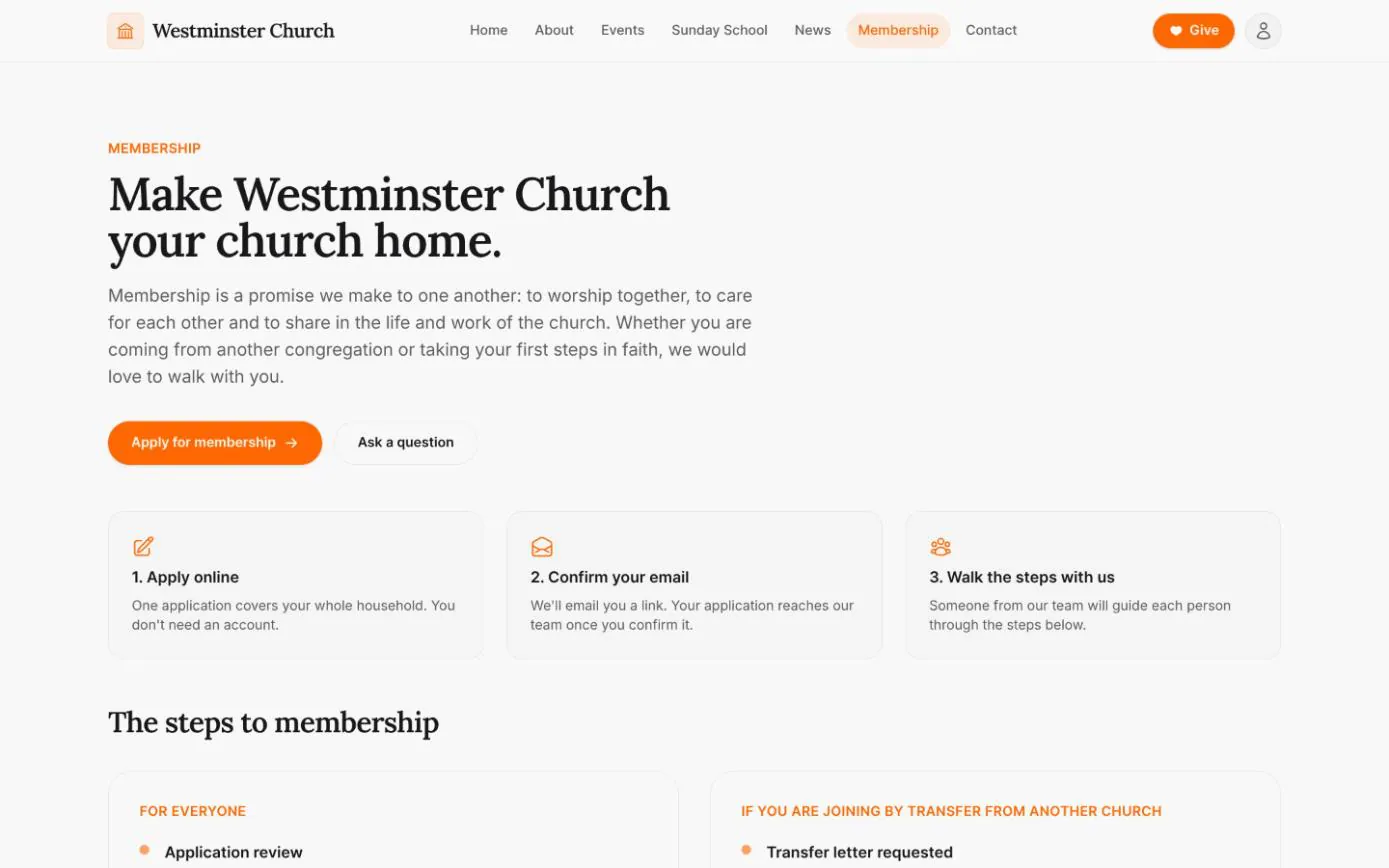
Apply for membership online
A membership page that explains your steps, and one application for the whole household with optional private documents and email confirmation.
See the feature arrow_forward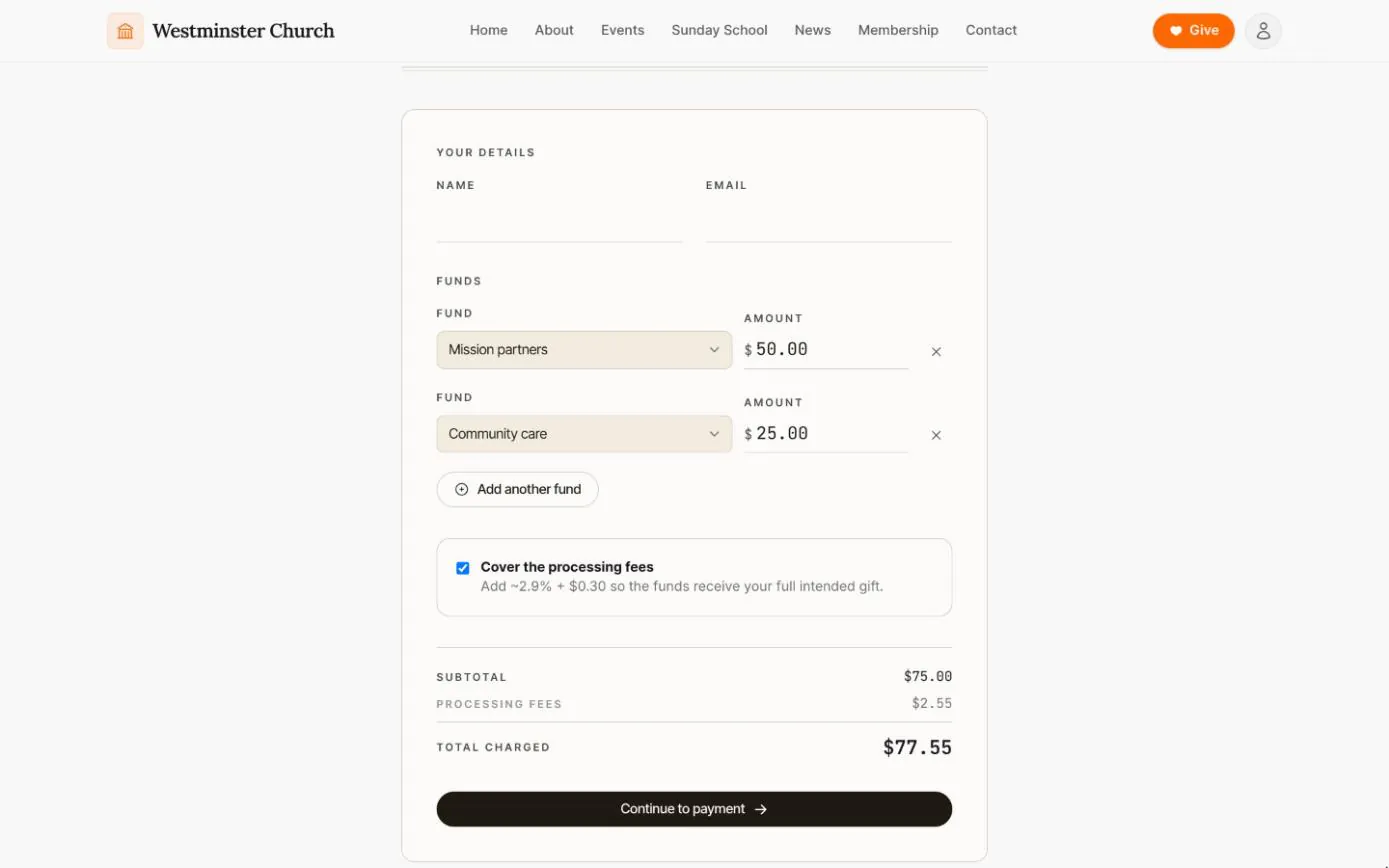
Giving without an account
A public giving page where anyone can split a one-time gift across funds and cover the processing fee, without creating an account.
See the feature arrow_forwardSee Chimes with your own congregation in mind.
Tell me how your church keeps its records today and where you would like Chimes hosted. I will come back with a deployment plan and a straight answer on what it will take.