app.
Events and serving
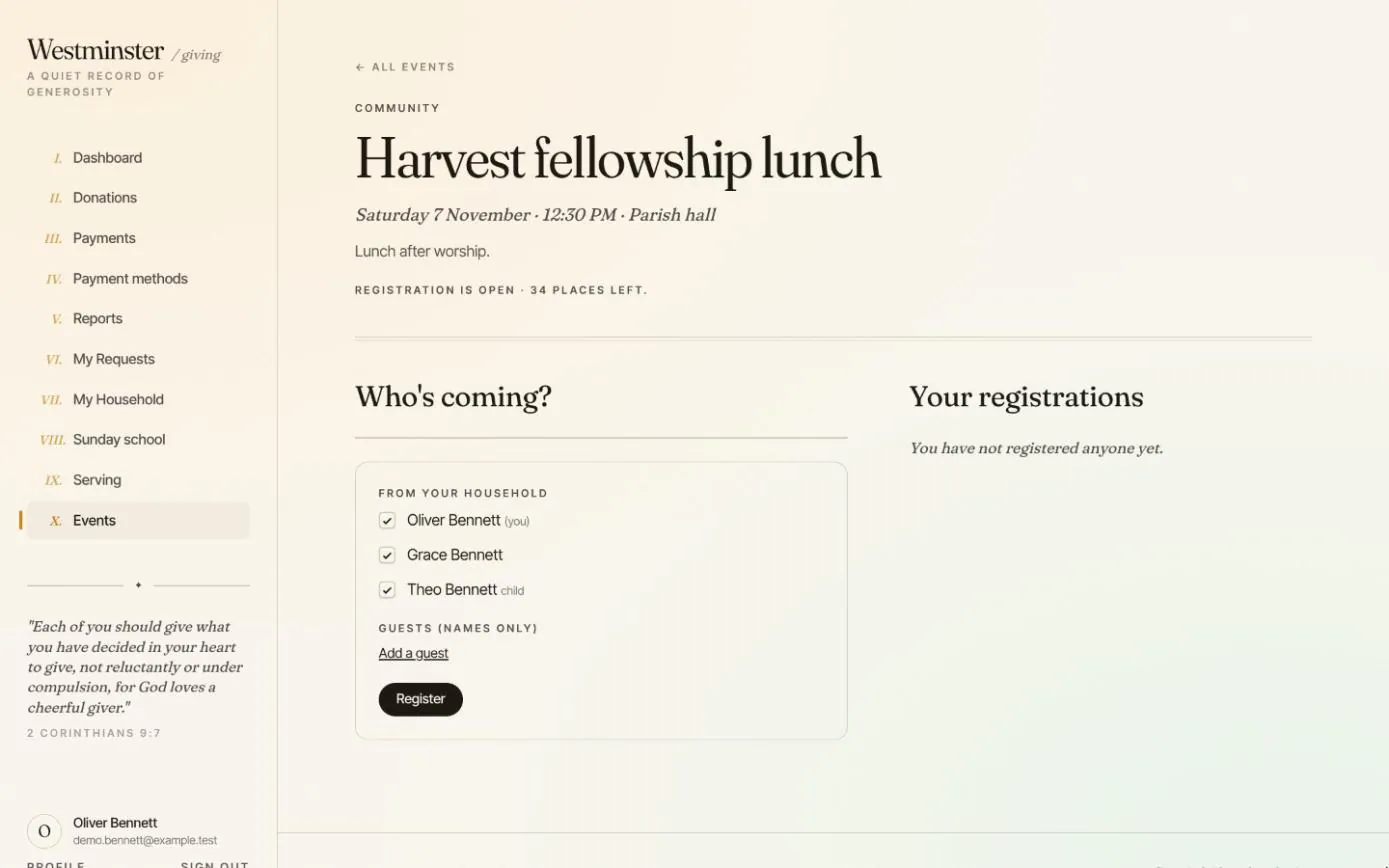
When the church plans a harvest lunch or a weekend retreat, members register from the member app. They tick who is coming from their household, add guests by name if the event allows, and the office has an attendee list without a sign-up sheet at the back of the church.
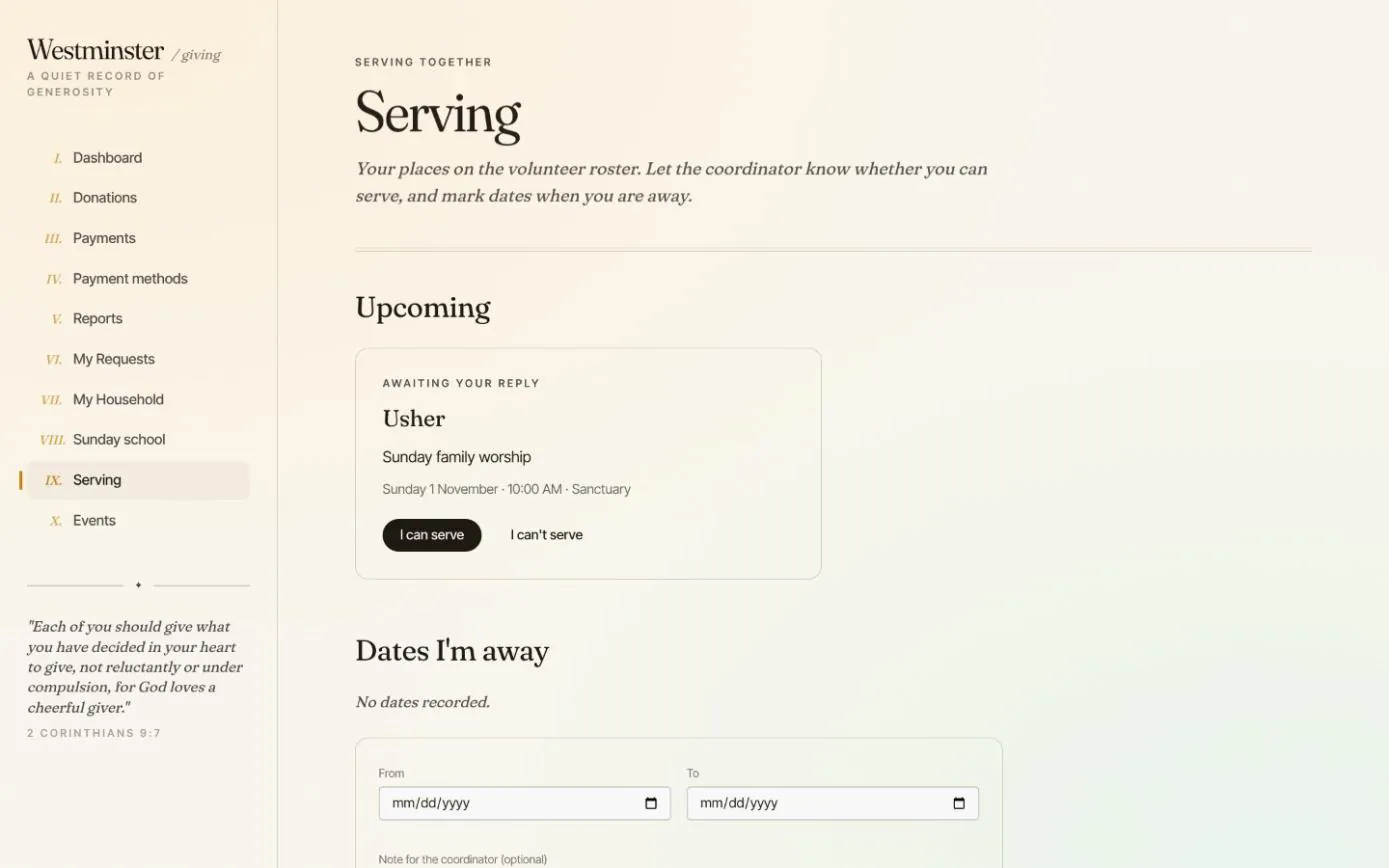
The same app holds each member's places on the volunteer roster. They tell the coordinator whether they can serve with one button, and mark the dates they will be away before anyone asks.
In short
One booking for the family
Register several people from the household at once, plus named guests up to the event's limit.
Nobody booked twice
Anyone another household member has already registered shows who registered them, and cannot be added again.
The roster answered in a click
Can serve or can't serve: the coordinator sees the answer, and that it came from the member app.
Church event registration for members and their families
Events lists the upcoming gatherings that take registrations, and any where the household already holds places. Each one says whether registration is open and how many places are left, or that it is full or opens soon.
An event closed to visitors on the public website can still be open to members here, so a church supper can be offered to the congregation alone.
- check Places left count every person, guests included
- check Registration opens and closes on the dates the office sets, and always closes when the event starts
- check A confirmation email for every registration and cancellation

Book places for the whole household in one go
Registrations are commitments, kept apart from attendance. The office still takes the register on the day.
Visitors without an account register for open events on the public website instead.
-
01
Open the event
It shows the date, time and place, a short description and how many places are still available.
-
02
Tick who is coming
Everyone in the member's household is listed, the member first, with children marked.
-
03
Add guests by name
Up to the number of guests the event allows. Only names are asked for, no contact details.
-
04
Register
Places are counted against the event's capacity as the booking is made, so two households cannot both take the last place. A confirmation email follows.
-
05
Cancel if plans change
Until the event starts, cancelling a registration releases its places for others.
Volunteer roster replies and dates away
Serving lists the member's upcoming roster places: the role, the service, the time and the place. They answer that they can or cannot serve, and someone who has accepted can later say they can no longer serve, up until the service starts.
Under Dates I'm away, members add the days they will be travelling, with a note if they like. Coordinators see those dates in the volunteer picker before they schedule anyone.
- check A decline reopens the place so the coordinator can ask someone else
- check Reminder emails ahead of the service, as many days before as the church chooses
- check Volunteers without an account answer from the personal link in their email
Related features
Volunteer rosters and event sign-ups
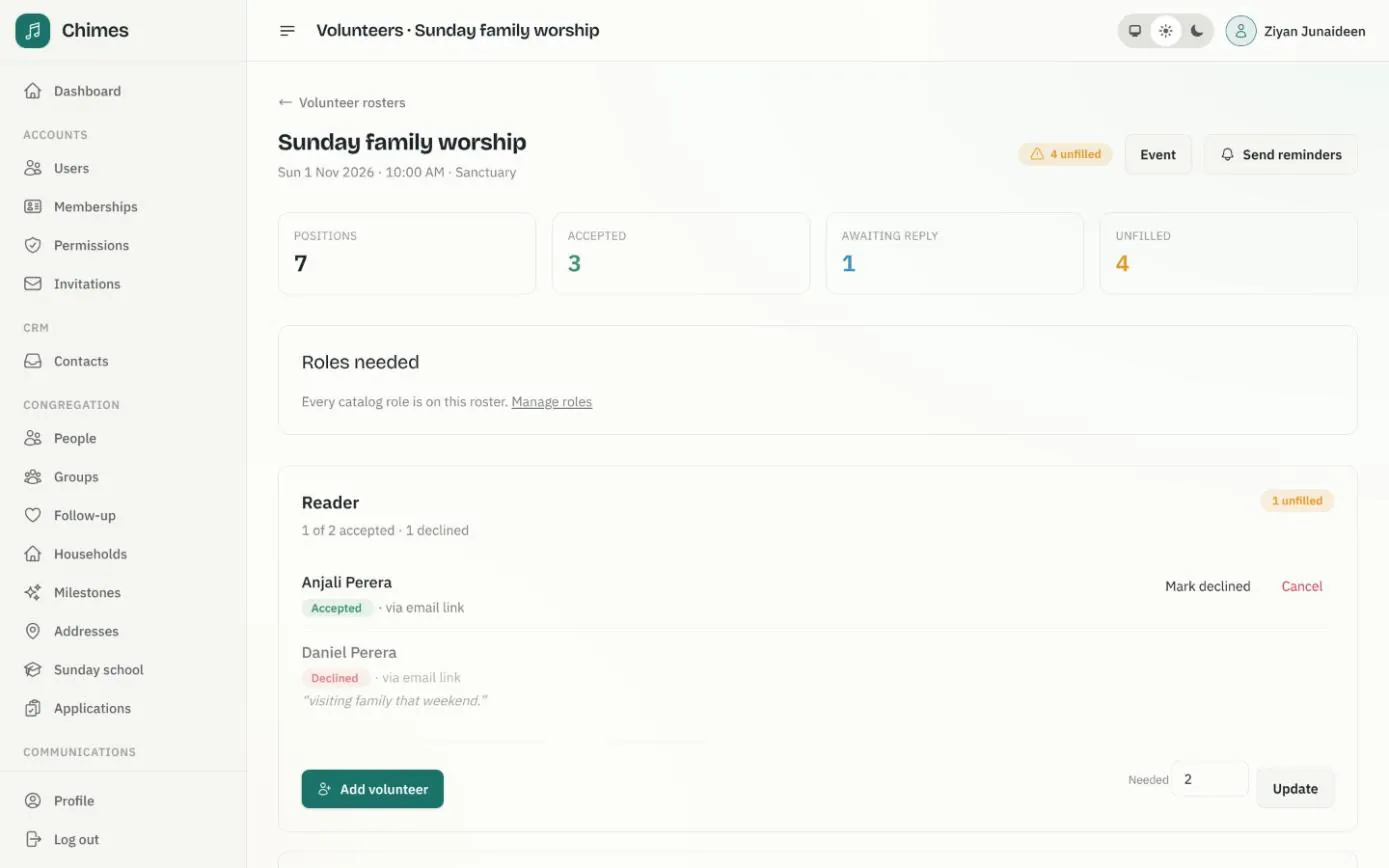
The roles each service needs, invitations answered by email or in the app, reminders, and event registration with capacity and guest limits.
See the feature arrow_forward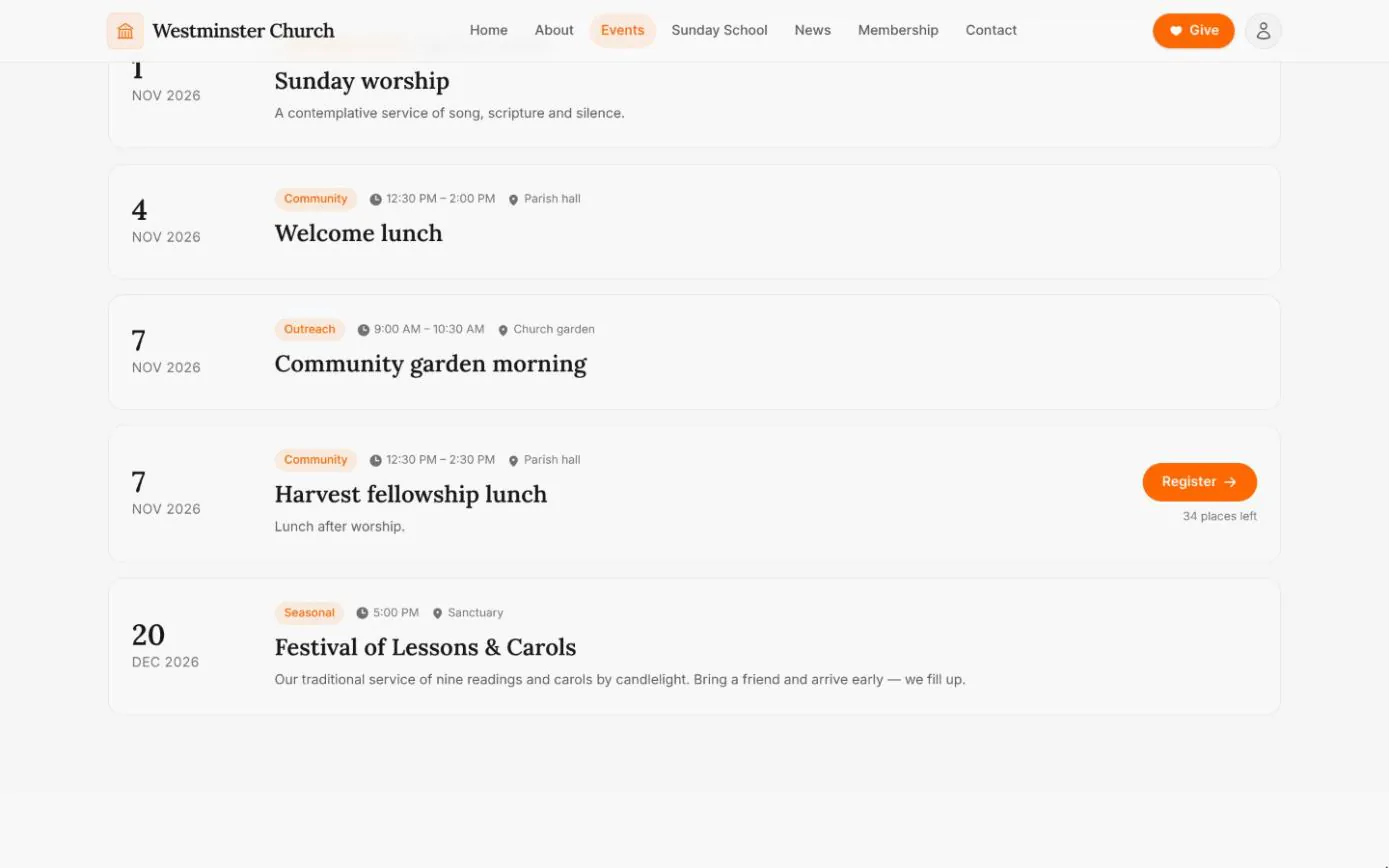
Events and visitor registration
The weekly rhythm and upcoming gatherings straight from the calendar, with registration for events that take sign-ups, open to visitors too.
See the feature arrow_forward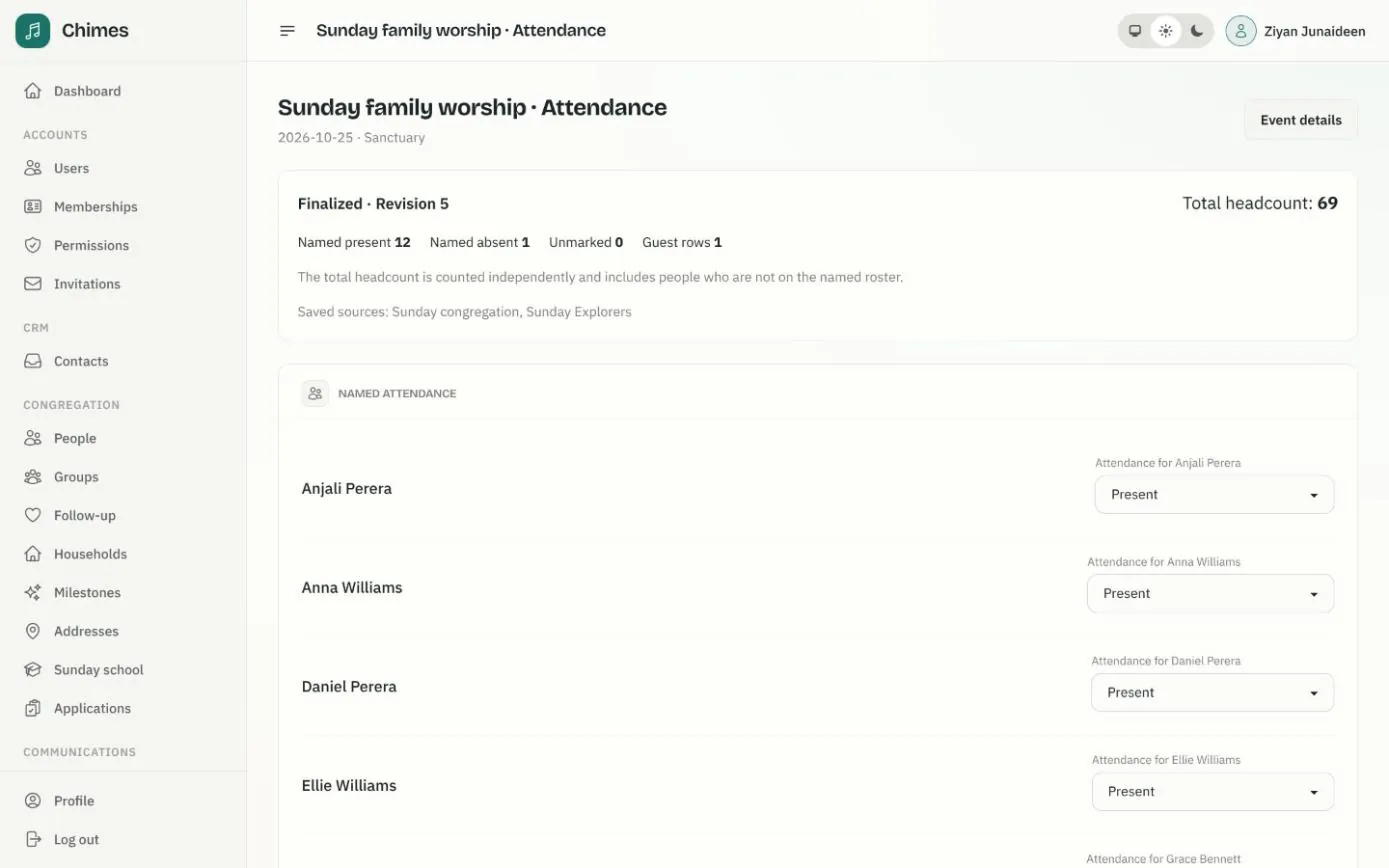
Gatherings and attendance
Weekly services that fill the calendar on their own, one-off events, and attendance registers with named marks, guests and a separate headcount.
See the feature arrow_forwardSee Chimes with your own congregation in mind.
Tell me how your church keeps its records today and where you would like Chimes hosted. I will come back with a deployment plan and a straight answer on what it will take.