admin.
Pastoral care and follow-up
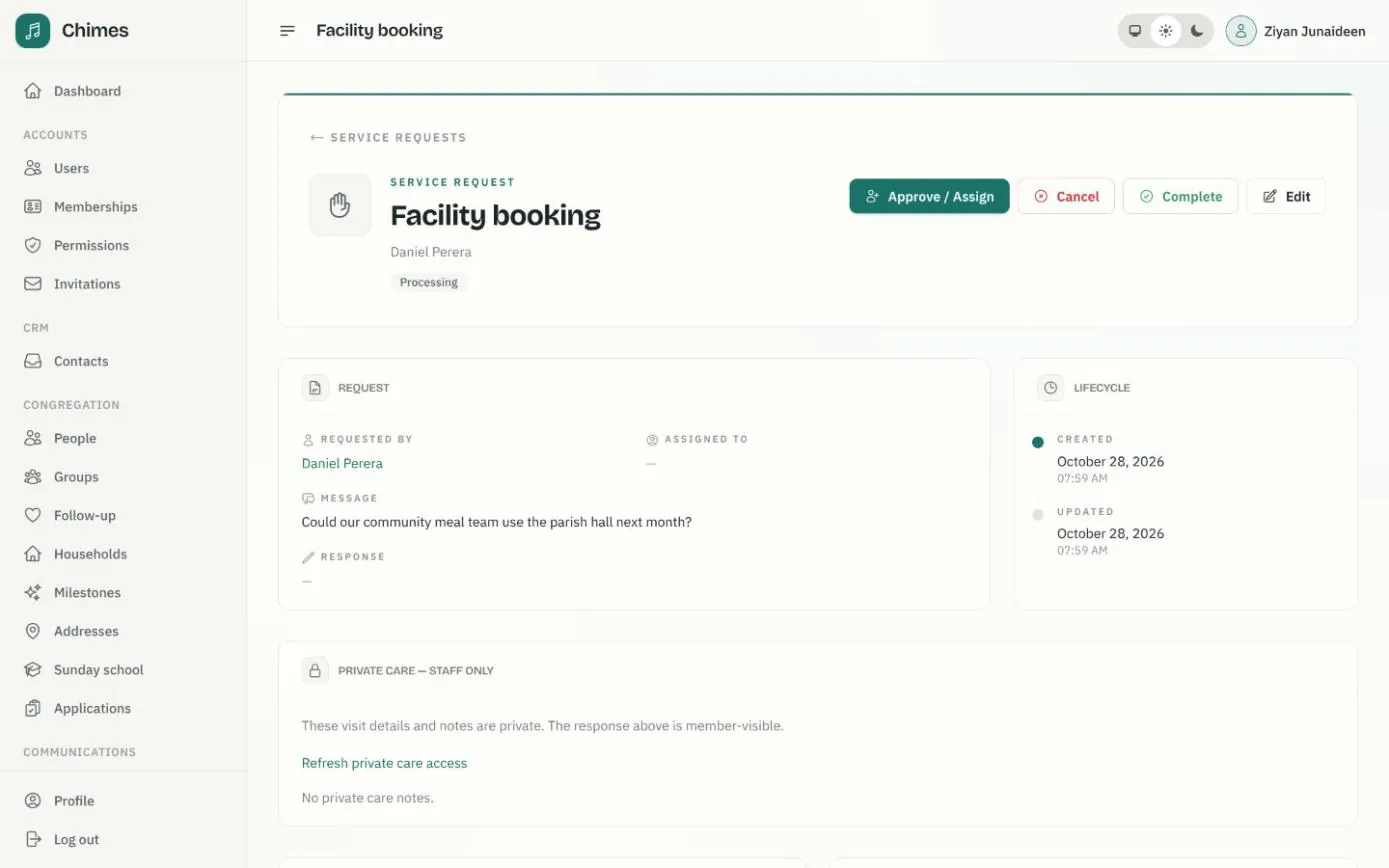
When a member asks for prayer, a hospital visit, a baptism or the use of the parish hall, the request arrives in one queue in the staff console. Someone reviews it, assigns it to a member of staff, and the member hears by email as it is approved, completed or cancelled.
Beside the requests sits a follow-up list of people to welcome, call or visit: first-time visitors who agreed to be contacted, and regulars whose recorded absences suggest a phone call. Chimes makes suggestions; staff decide, and nothing is sent automatically.
In short
Care that doesn't slip
Every request has a status, an assignee and a history, so a hospital visit never waits in one person's inbox.
Private notes stay private
Visit details and care notes sit in a staff-only panel. The member sees only the response written for them.
Suggestions, not automation
Follow-up never emails, texts or notifies anyone on its own. A person reviews each suggestion and decides what to do.
One queue for pastoral care and church office requests
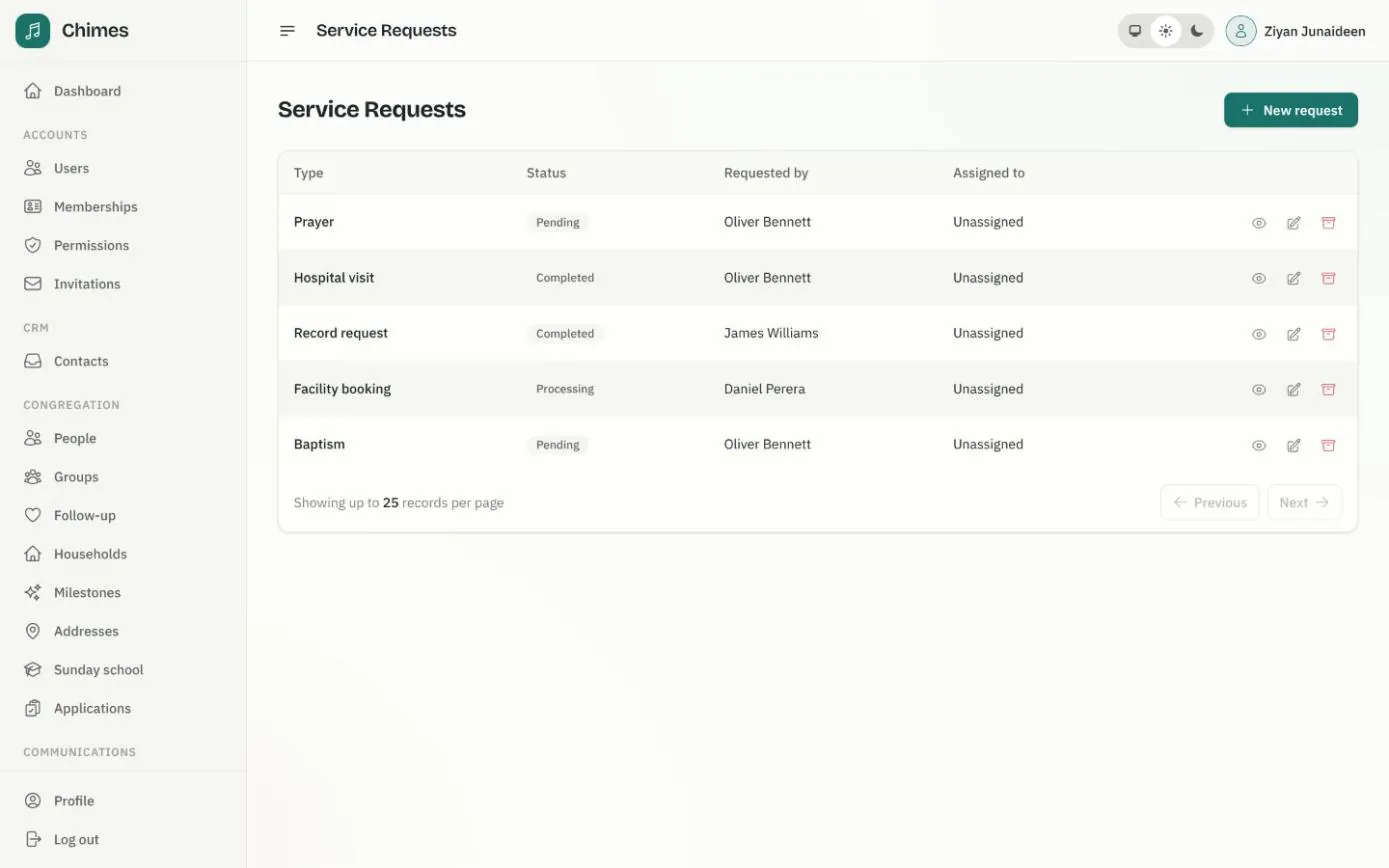
Members ask from the member app for prayer, a hospital visit, a baptism, a marriage or a funeral, a membership transfer, a records letter, a facility booking or a donation statement. Staff can also file a request on a member's behalf.
The church's shared inbox can be told about each new request. The notice carries only the kind of request and a link, so who asked and what they wrote stay behind the staff sign-in.
- check Pending, processing, completed and cancelled, with every change in the history
- check Hospital, ward and preferred contact kept in a staff-only care panel
- check A calendar of each staff member's assigned requests
From a member's request to the church's reply
Every step is recorded, including assignments that were declined or replaced, so the church can always see who handled what.
Internal notes and decline reasons stay with staff. The member's emails carry only what was written for them.
-
01
The member asks
They choose the kind of help, write a message in the member app and receive a receipt by email.
-
02
The office reviews it
An administrator reads the request, then approves it or cancels it with a message the member will see.
-
03
Someone is assigned
Approving invites an owner, admin or staff member to handle it, with an optional note only staff can read.
-
04
They accept or decline
The assignee accepts, or declines with a reason. A declined request returns to the queue, and the shared inbox is told it needs someone new.
-
05
Complete it with a reply
When the visit or booking is done, staff complete the request. The member is emailed and sees the church's response in the app.
Following up with first-time church visitors
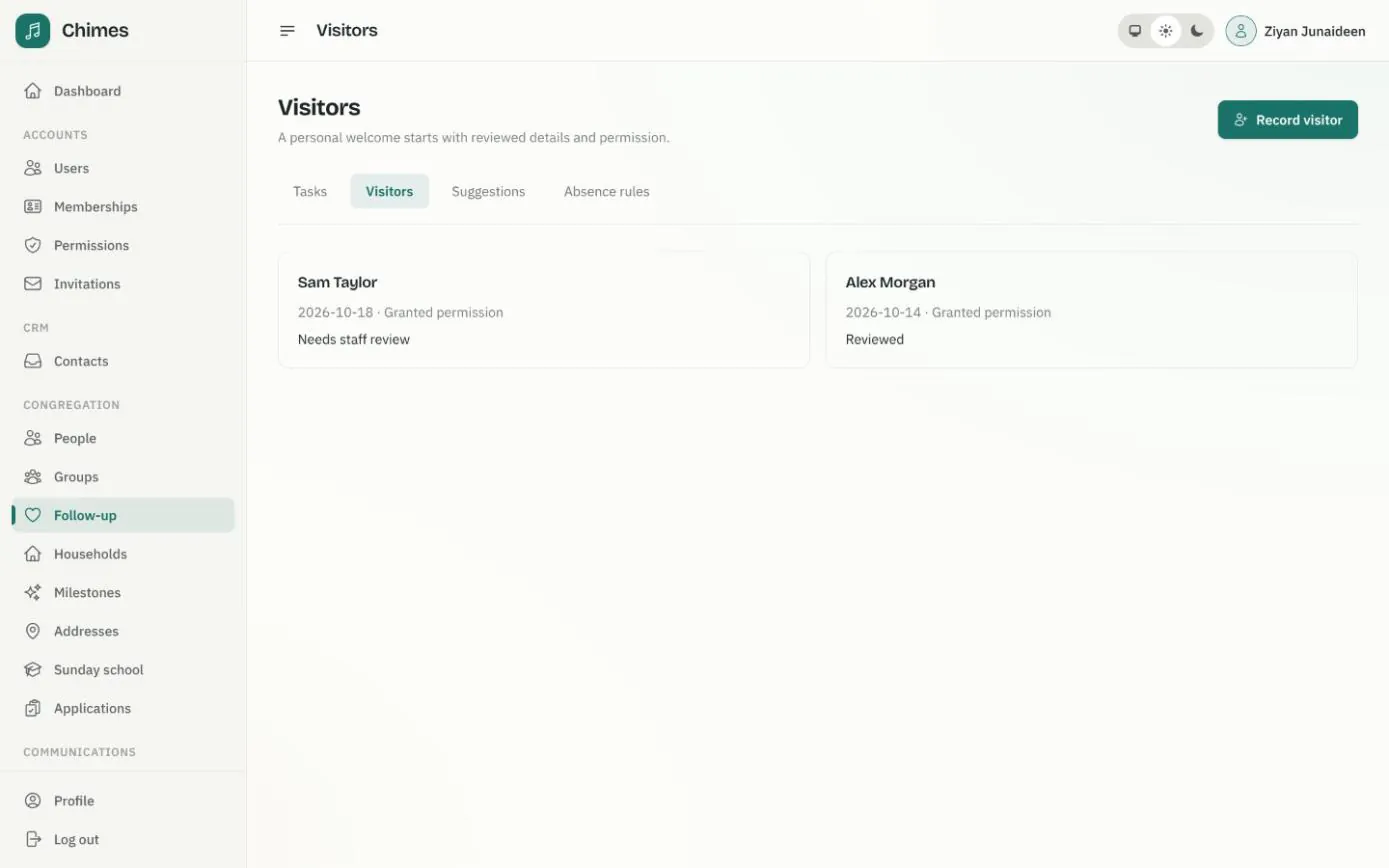
Record a visitor from a gathering's attendance page or by hand: their name, the date they came, an email or phone if they gave one, and whether they agreed to be contacted. Without that permission, no contact task can be created.
Staff then review each visitor and decide whether they are someone already in the directory or stay unlinked. Chimes never picks a match itself, because a shared name or email is not proof of who someone is.
- check Welcome tasks with an assignee, a due date and a recorded outcome
- check A named guardian contact required before any task for a child
- check Access only for the coordinators and workers you designate
Noticing when a regular stops coming to church
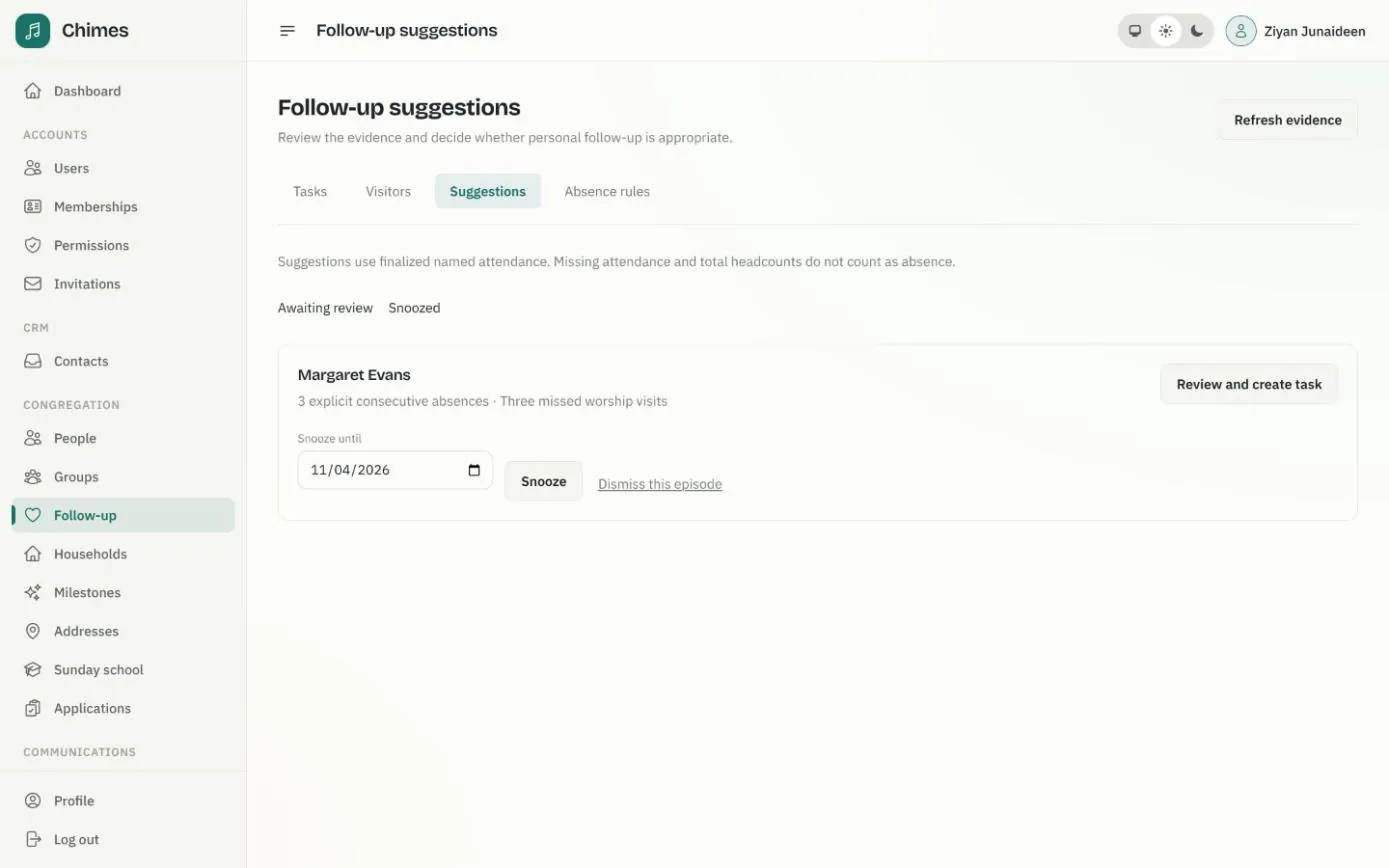
Turn on an absence rule for a weekly service and the group expected at it, or for a Sunday school class, and choose how many missed visits in a row matter; three is the default. Only explicit absent marks on finalized registers count. A missing register or the total headcount never does.
Each suggestion waits for review. Staff create a call or visit task, snooze it until a later date or dismiss it. If the person comes back and later misses again, that is a new suggestion.
- check Rules are opt-in, and none is turned on when Chimes is installed
- check My tasks, overdue and completed queues, plus every open task for coordinators
- check Notes and outcomes kept in protected follow-up records
Related features
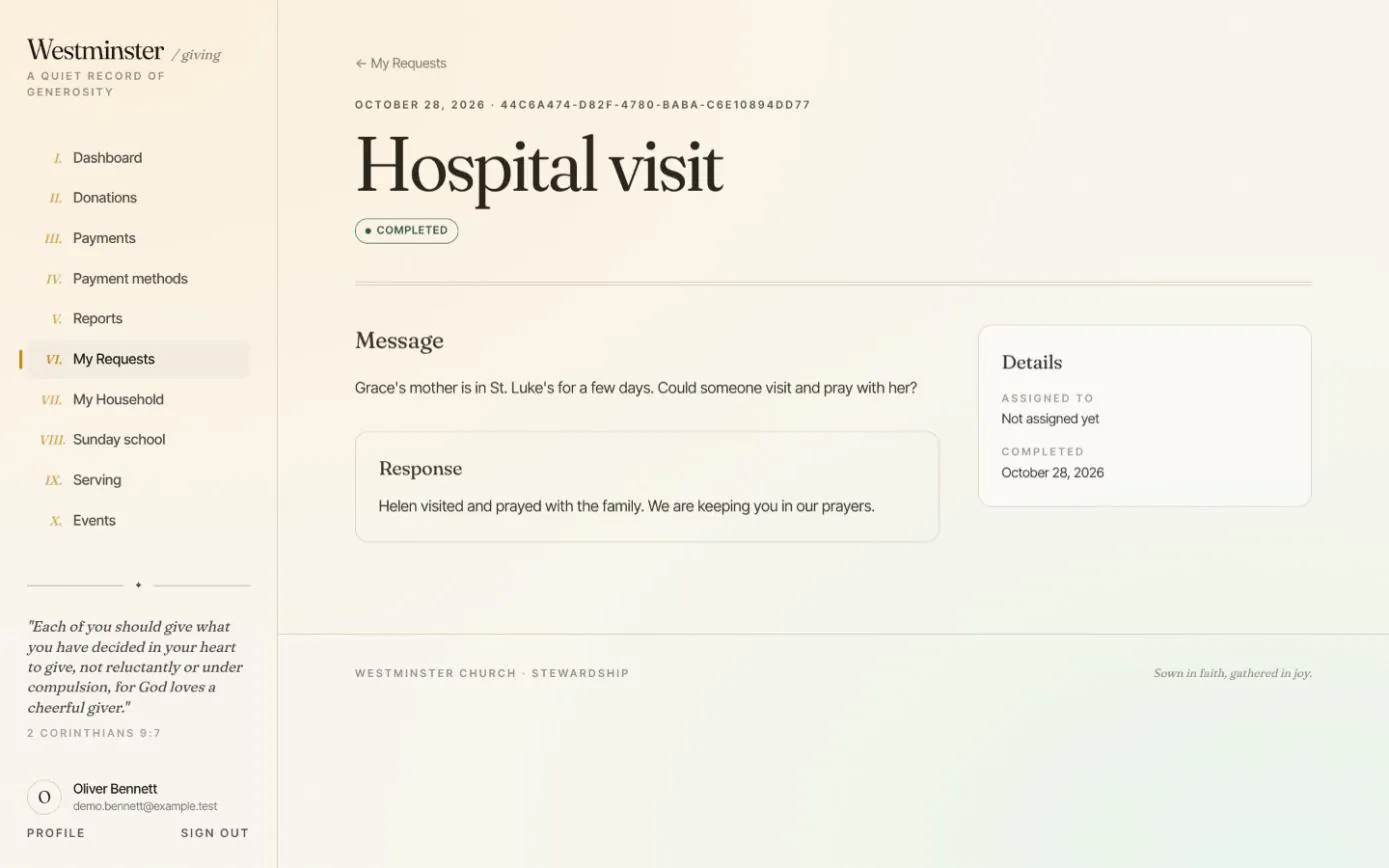
Pastoral and office requests
Members ask for prayer, a hospital visit, a baptism, a church record or a room booking, and follow each request until the church replies.
See the feature arrow_forward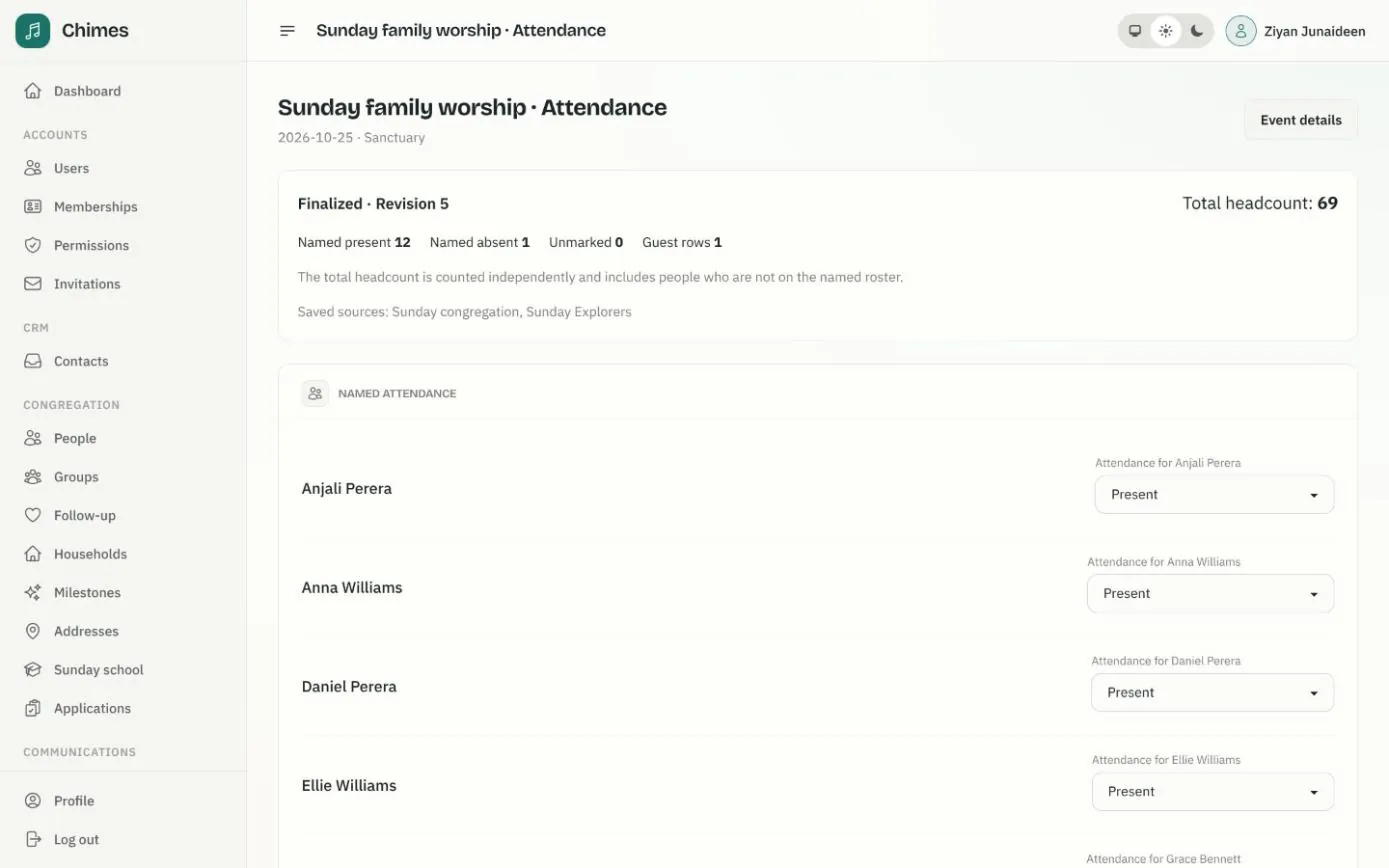
Gatherings and attendance
Weekly services that fill the calendar on their own, one-off events, and attendance registers with named marks, guests and a separate headcount.
See the feature arrow_forward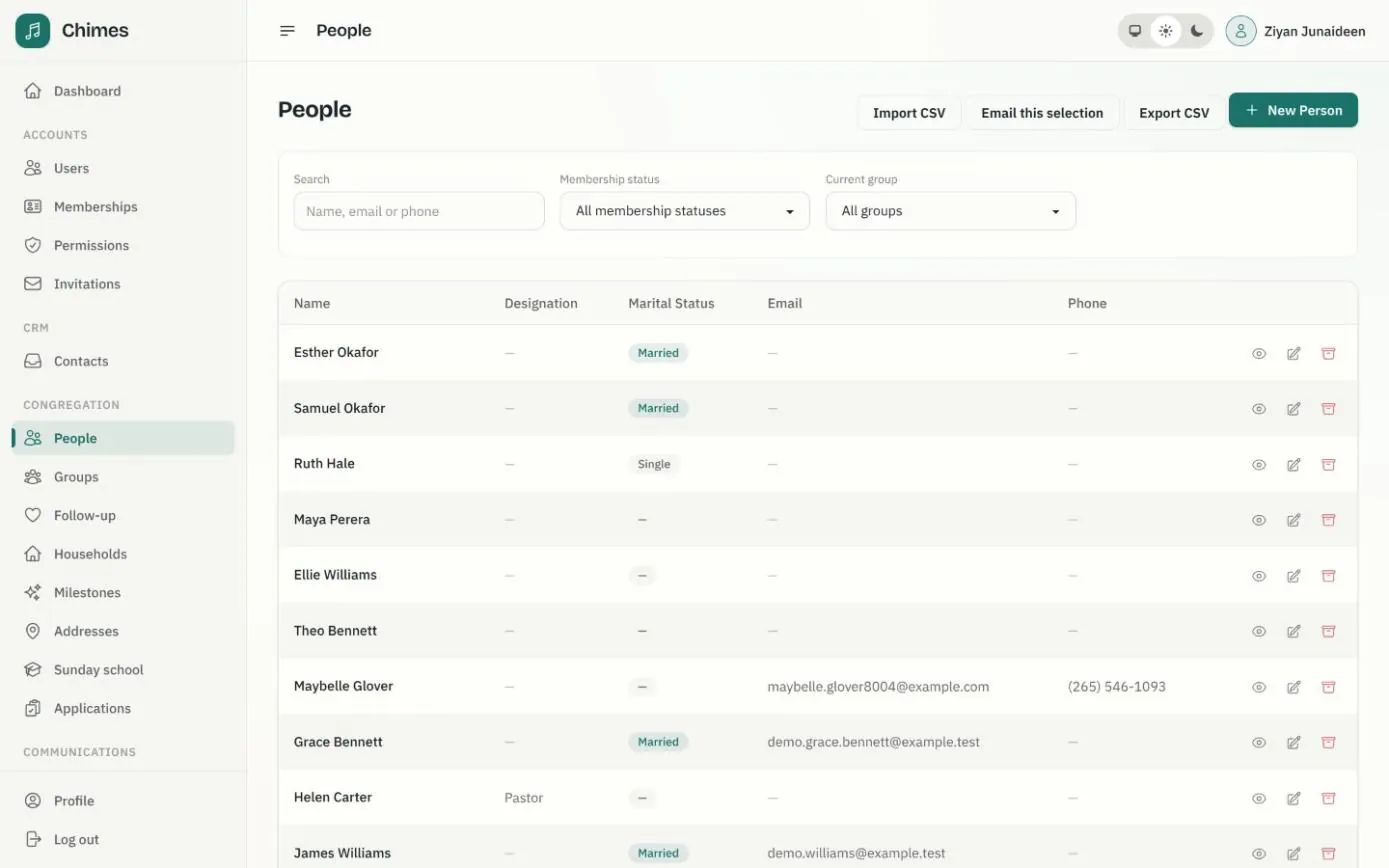
People and households
A directory of people and households with family relationships, milestones, ministry groups, membership status, and CSV import and export.
See the feature arrow_forwardSee Chimes with your own congregation in mind.
Tell me how your church keeps its records today and where you would like Chimes hosted. I will come back with a deployment plan and a straight answer on what it will take.