admin.
Sunday school
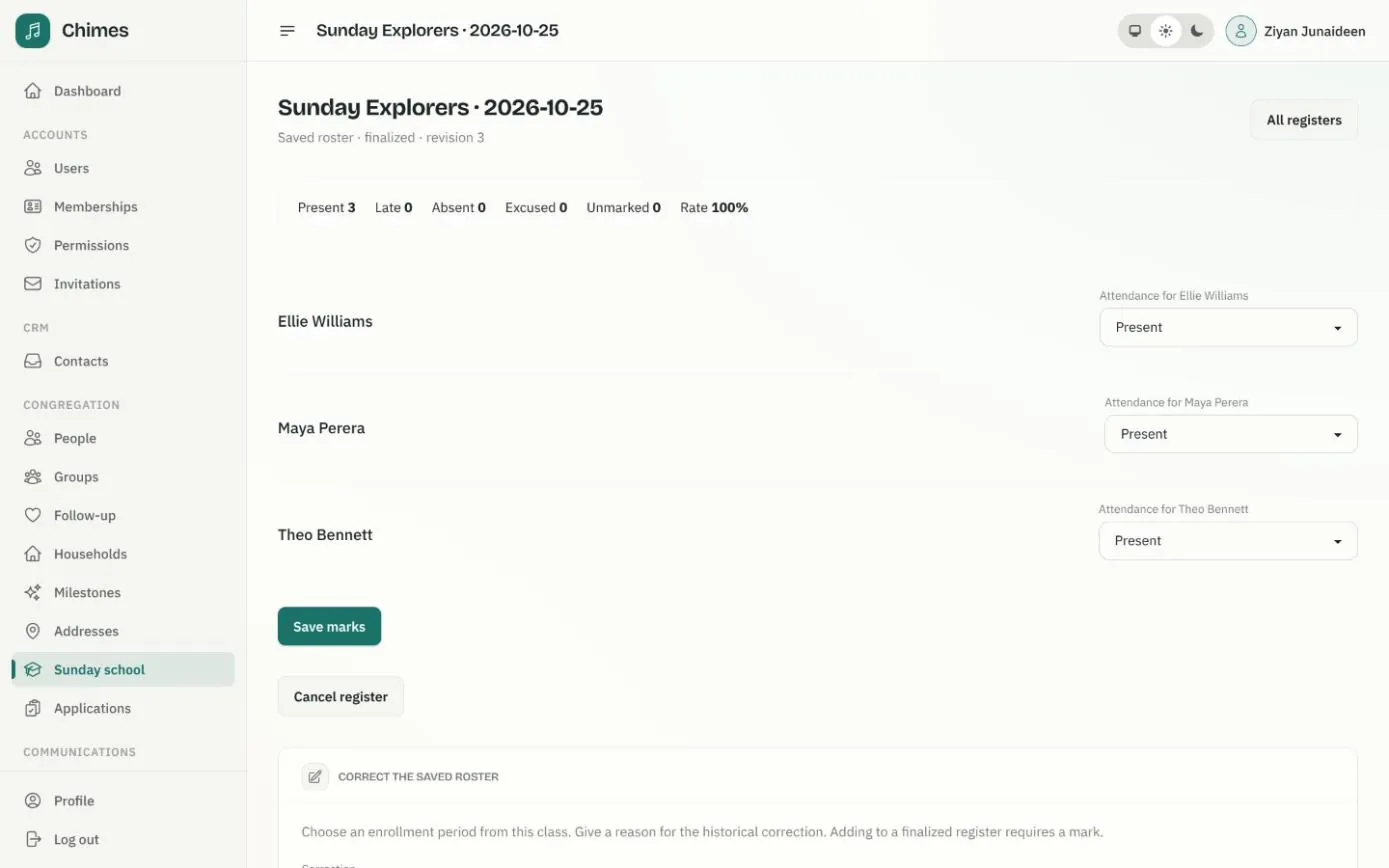
Keep every Sunday school class in one place: its age range, where and when it meets, the teachers assigned to it and the children enrolled. Parents ask to enrol a child from the member app, and the office reviews each request before anyone is added.
Teachers take a dated register each week, mark every child present, late, absent or excused, and finalize it. Parents then see their own child's attendance, and every correction is kept in the audit log.
In short
Parents ask, the office decides
A parent chooses their child and a published class in the app. Staff approve or decline, with a message the parent can read.
Teachers see their own classes
A teacher needs an active assignment to the class and the permission to mark attendance. Neither alone opens a register.
History that stays true
Each register saves who was enrolled on that date, so later changes to a class never rewrite past attendance.
Sunday school classes by age group
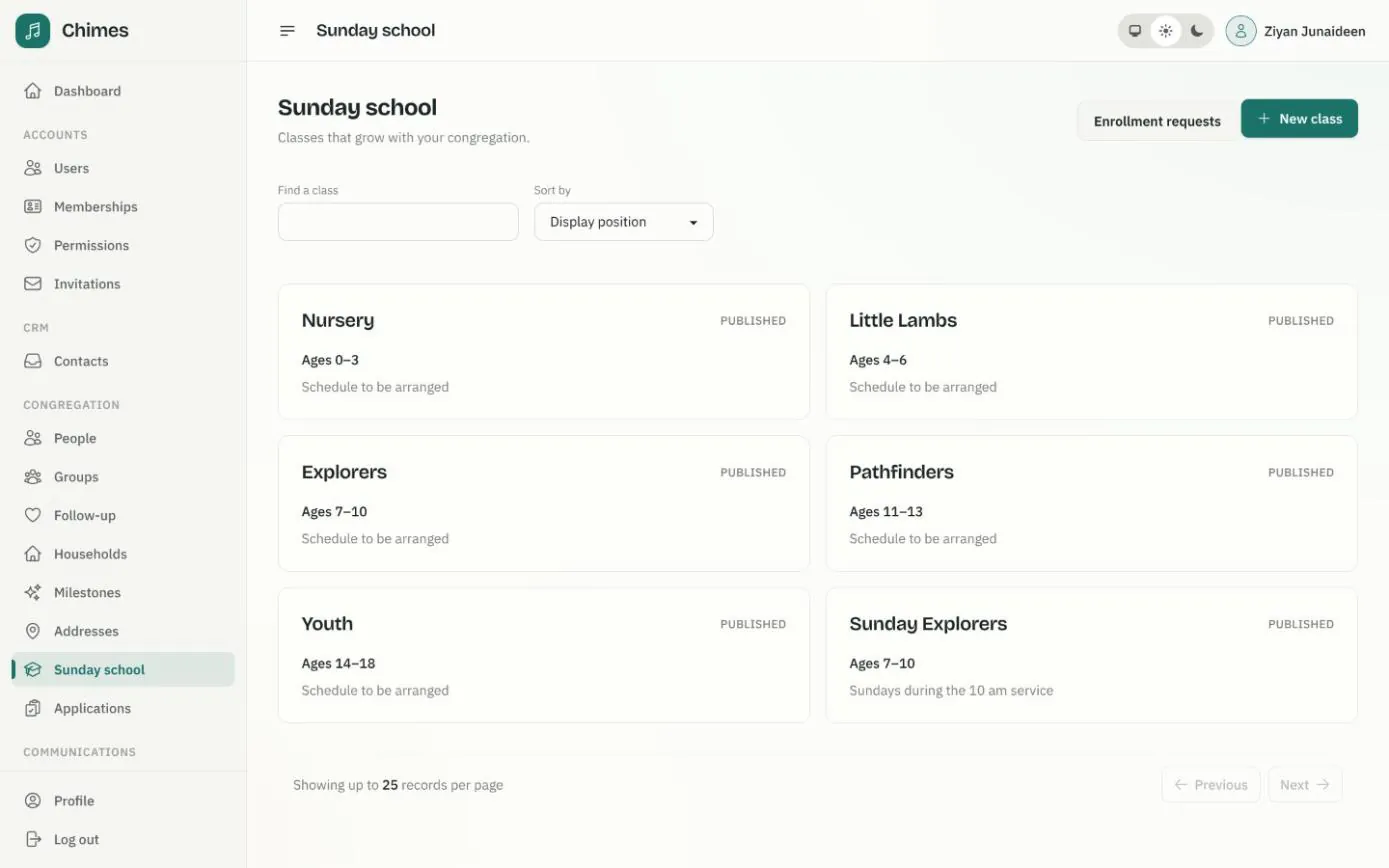
Create a class with a name, an age range, a location, a schedule and a short public description. Publish it, and it appears on the church website's Sunday school page and in the member app, where parents can ask to enrol a child.
Archived classes stay in the list for the record. Archiving unpublishes the class and cancels pending requests and draft registers, while finalized attendance is kept.
- check Search classes by name and set the order they are listed in
- check Enrollment requests from parents reviewed in one queue
- check Only public class details ever reach the website
Assigning Sunday school teachers and enrolling children
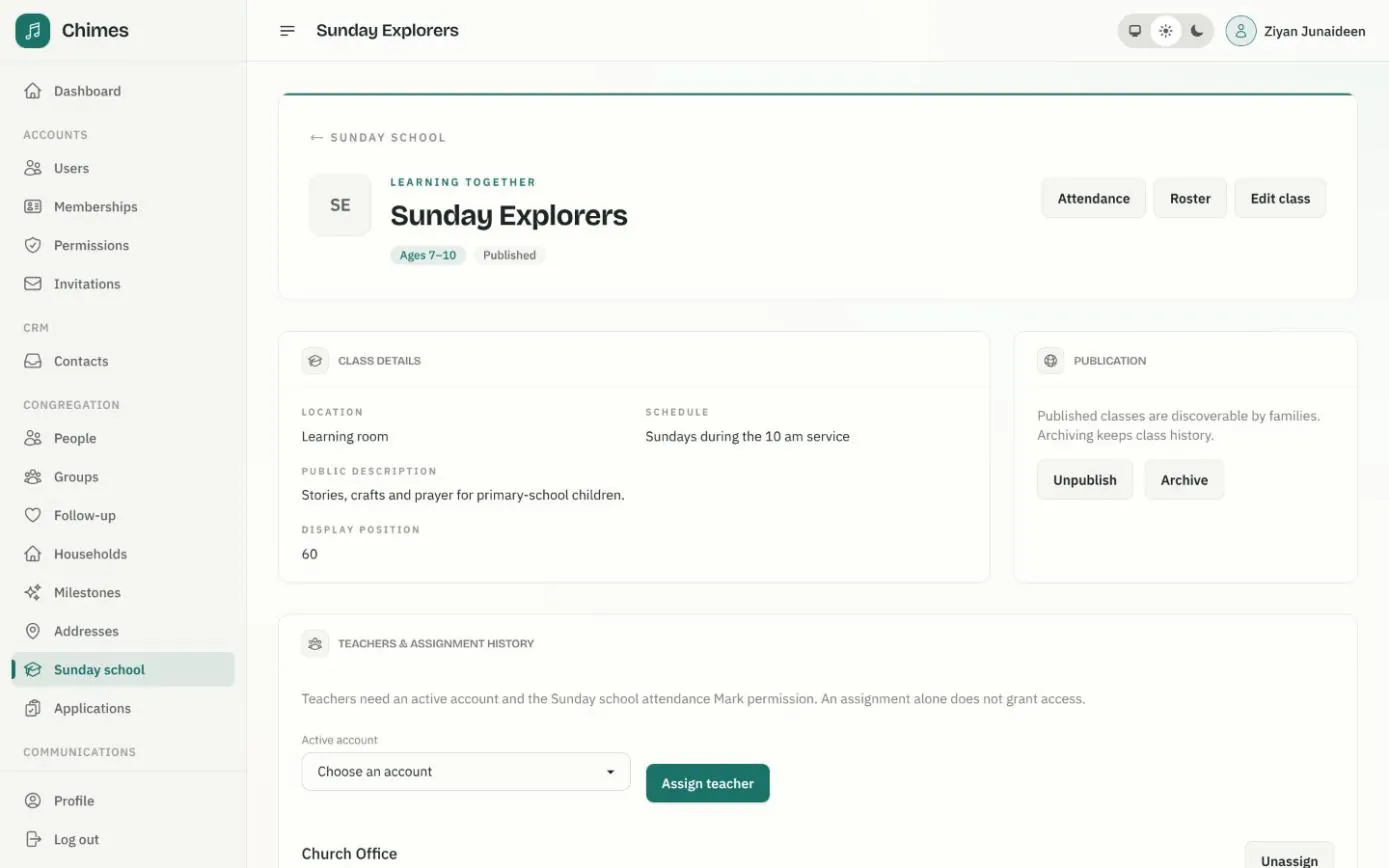
The class page holds its public details, the publish and archive controls and its teachers. Unassigning a teacher archives the assignment instead of deleting it, so the class keeps a history of who taught it.
Children are enrolled from the class roster with a start date, and an enrollment can be ended later. If a child is younger or older than the class's ages, staff must acknowledge the exception explicitly, and that decision is recorded.
- check Students need neither an account nor formal church membership
- check Parents' access rests on a recorded parent or guardian relationship
- check Teachers take registers without access to the rest of the directory
Taking Sunday school attendance, week by week
The attendance rate counts present and late children against everyone marked present, late or absent, so an excused absence never counts against a child.
If two people edit the same register at once, the later edit changes nothing and reloads the latest version to review.
-
01
Choose the date
Open the class's attendance and pick the day it met, in the church's time zone. Each class has one register per date.
-
02
The roster is saved with it
The register records everyone enrolled on that date. Children who join or leave later do not change it.
-
03
Mark each child
Present, late, absent or excused. Unmarked is kept separate from absent, and Save marks keeps your progress.
-
04
Finalize the register
Once every child is marked, finalize it. Parents can then see that date in the member app.
-
05
Correct it on the record
Finalized marks can still be corrected, and an administrator can fix who was on the roster, giving a reason. Every change is audited.
Sunday school attendance records, date by date
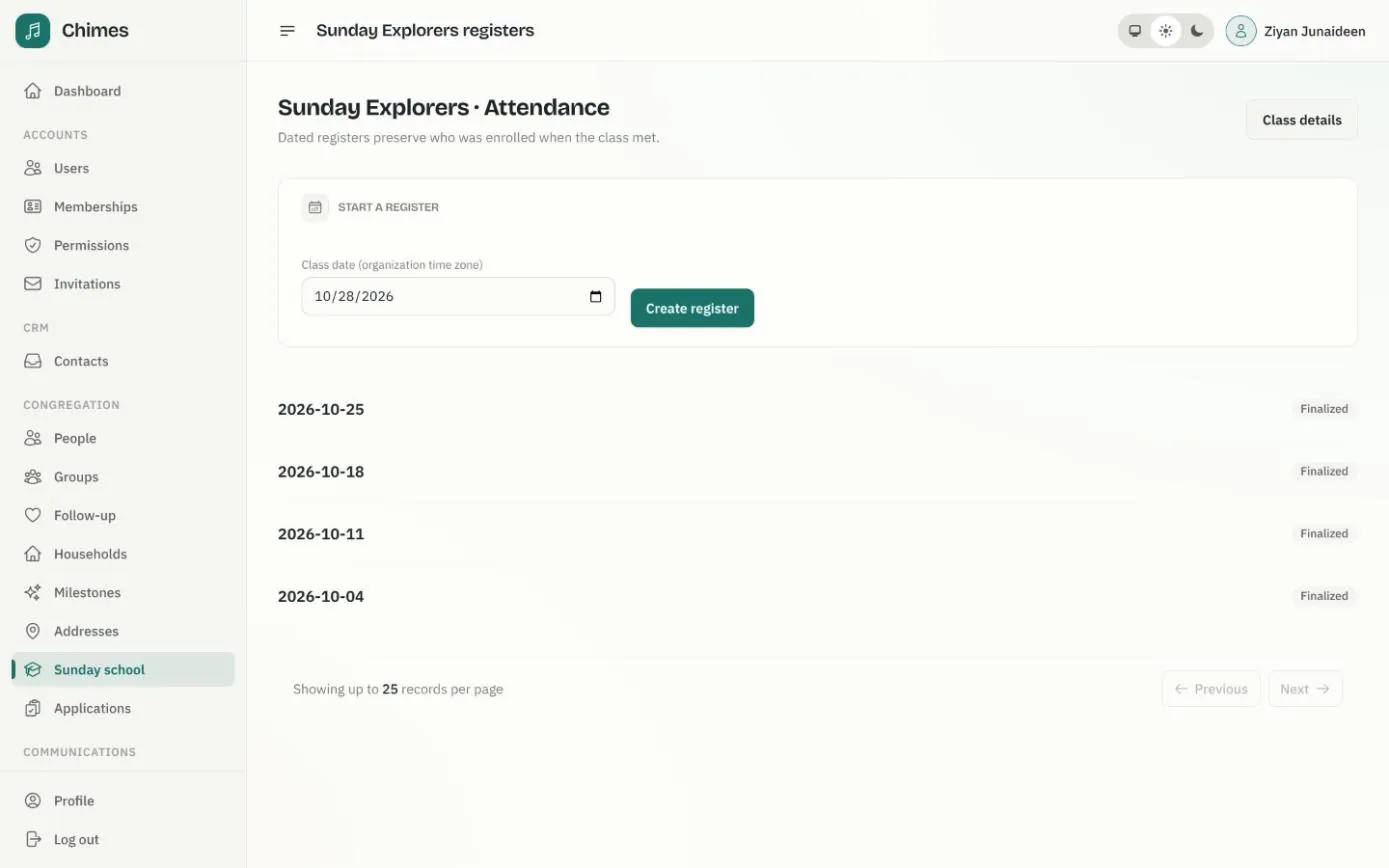
Each class lists its dated registers, from finalized weeks to today's draft, and a new register starts from the same page. Cancelled registers stay on record for staff.
Parents see only finalized registers for their own children, with counts of present, late, absent and excused and the attendance rate. An absence rule can also suggest a follow-up when a child misses several classes in a row.
- check Registers on any day of the week, not only Sundays
- check Draft and cancelled registers never shown to families
- check Teachers can also take registers through the JSON:API
Related features
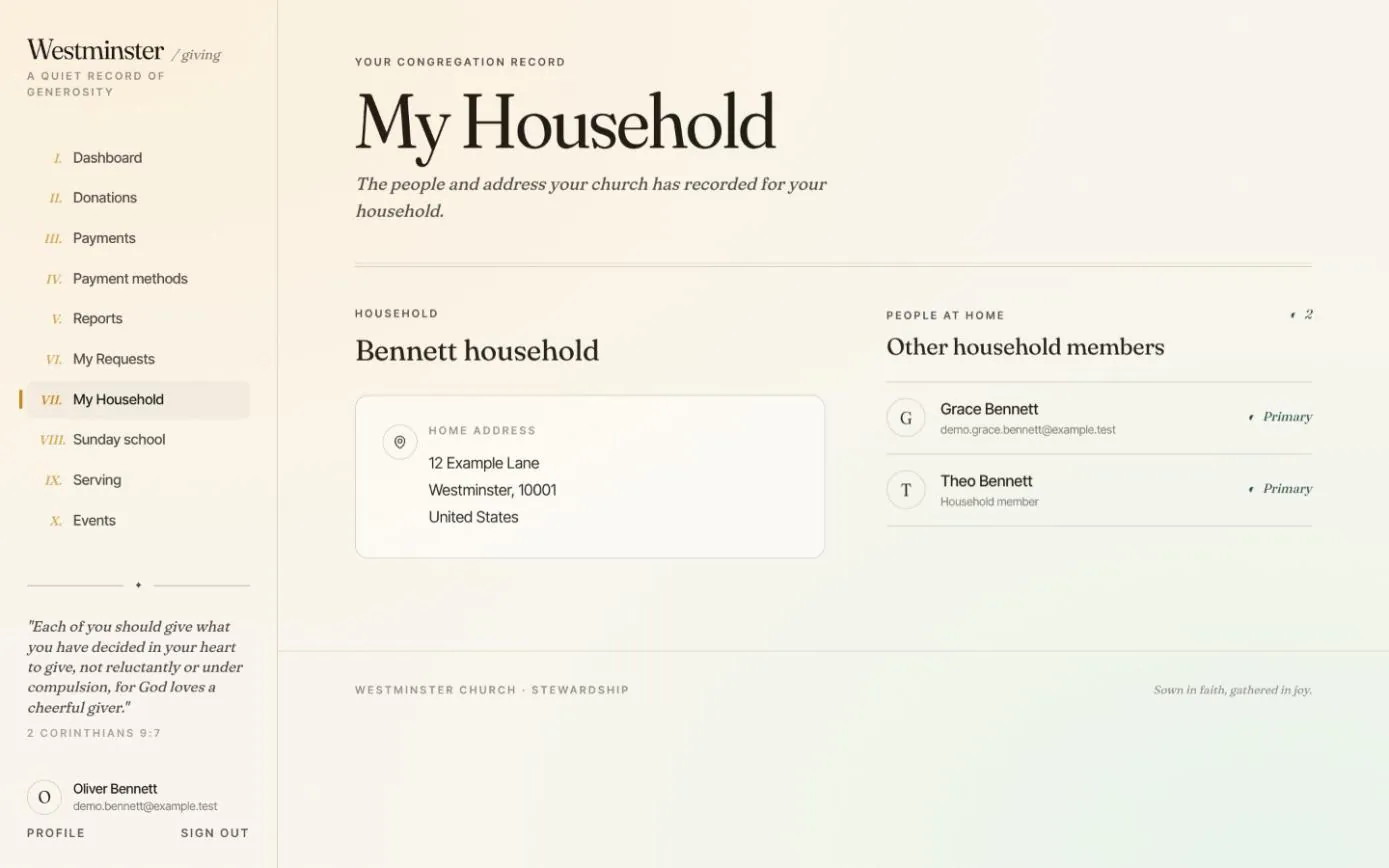
Household and Sunday school
Families see the household the church has on record, ask to enrol a child in a Sunday school class, and follow each child's attendance.
See the feature arrow_forward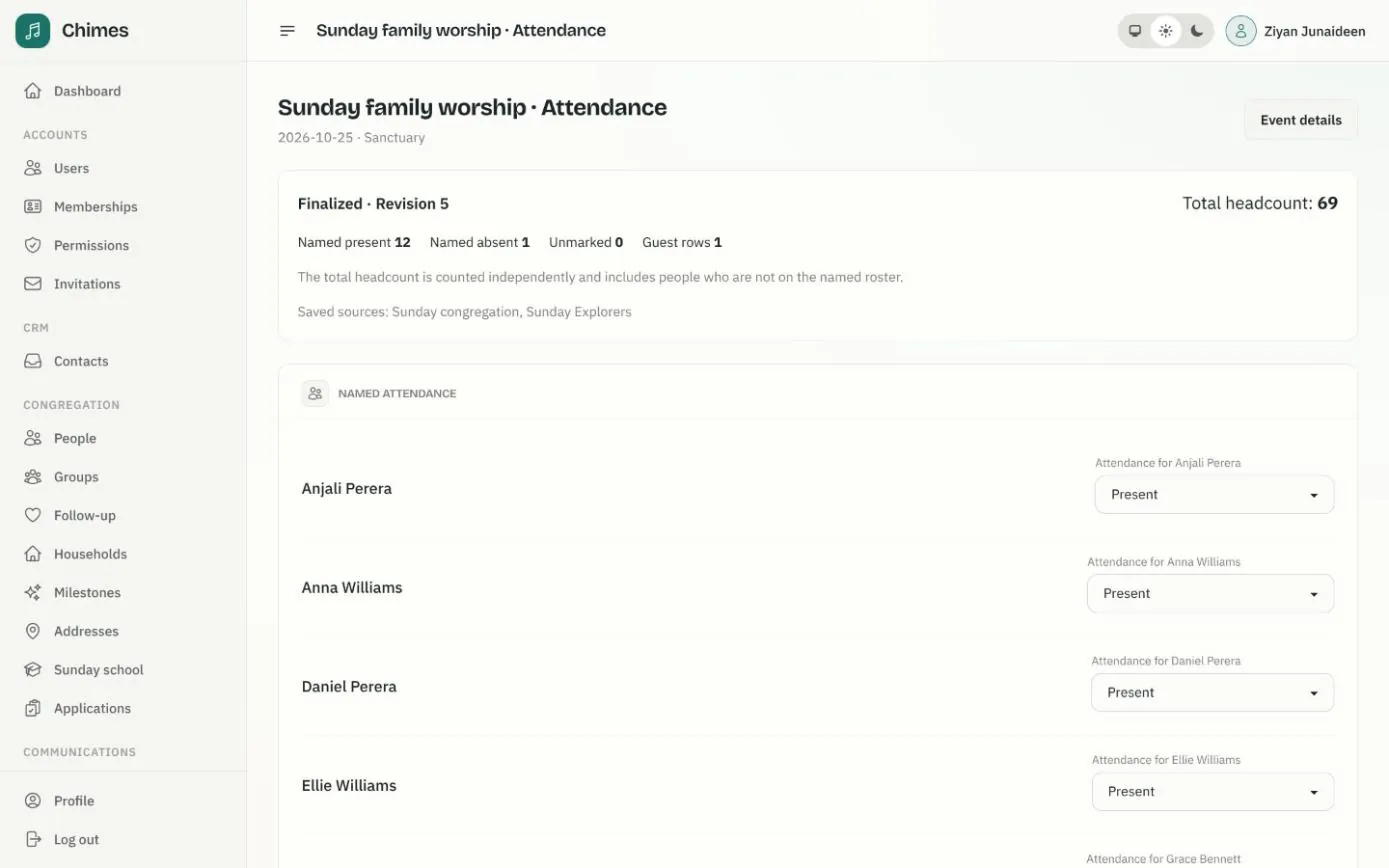
Gatherings and attendance
Weekly services that fill the calendar on their own, one-off events, and attendance registers with named marks, guests and a separate headcount.
See the feature arrow_forward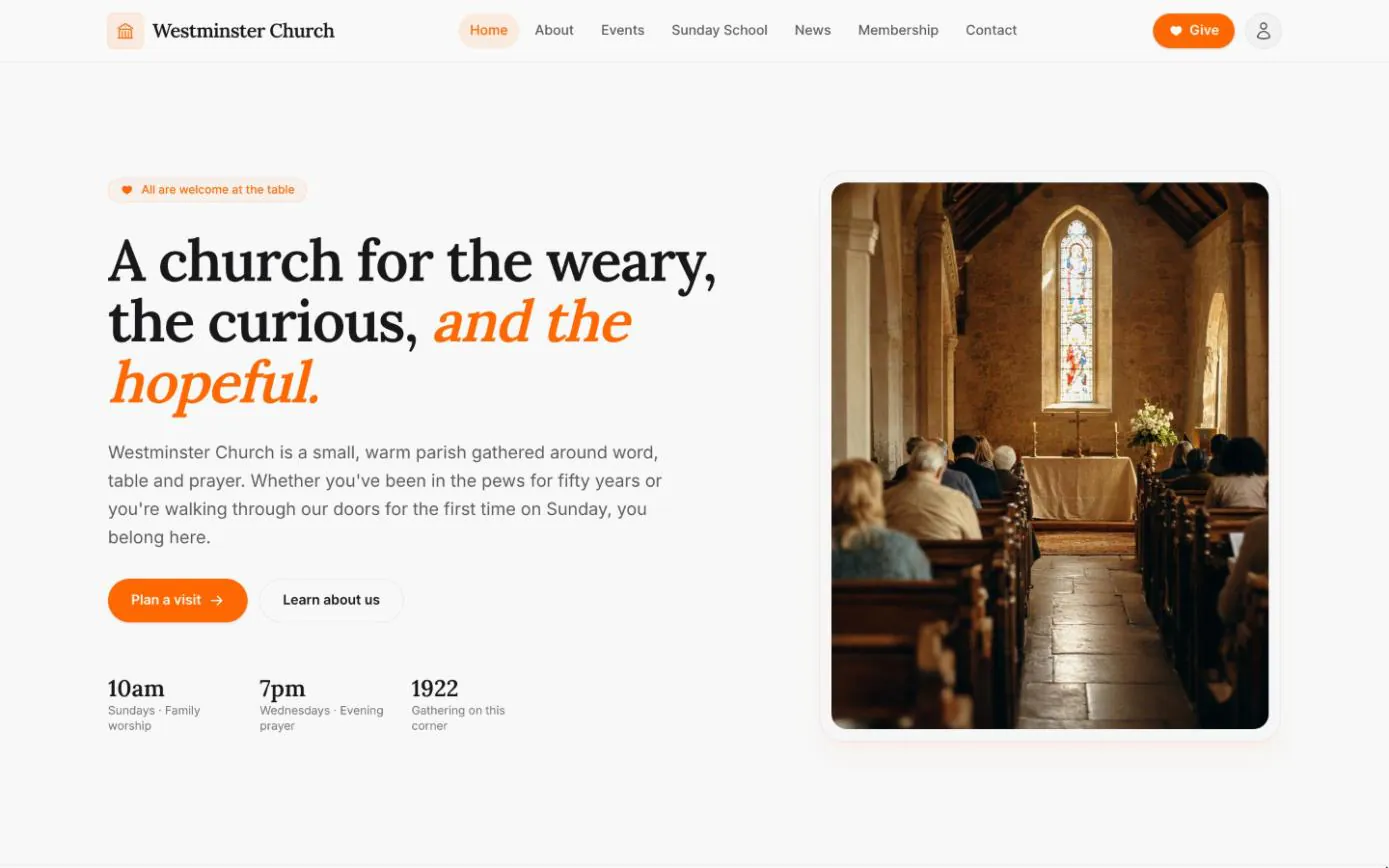
Your church website
Home, about, events, Sunday school, news and contact pages come with every deployment, filled from the settings, calendar and news kept in the staff console.
See the feature arrow_forwardSee Chimes with your own congregation in mind.
Tell me how your church keeps its records today and where you would like Chimes hosted. I will come back with a deployment plan and a straight answer on what it will take.